
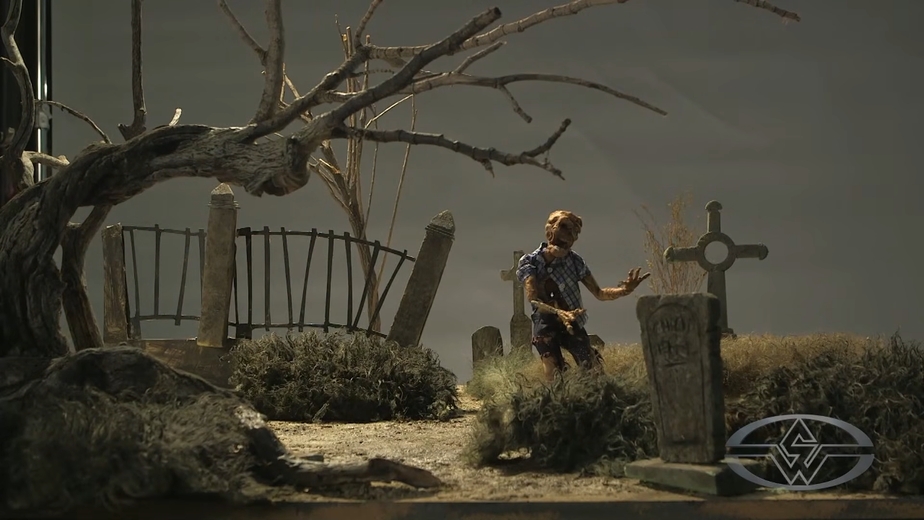
In this FREE excerpt from the Stan Winston School of Character Arts course, Stop Motion Animation Part 3: Camera, Lighting & Software, legendary stop motion animation and creature effects wizards, the Chiodo Bros. (Team America, Killer Klowns From Outer Space, Elf), shed some light on simple and effective techniques on how to light a miniature set for stop motion projects!
Jump To Section
- Photography Lighting Basics
- Creating Realistic Moonlight
- Different Light Positioning and Effects for Your Miniature Set
- Closing Your Camera Aperture
- Experimenting With Your Ground Light
- Using LED Lightings for Miniature Sets
- Introducing Fill Light
To watch the complete instructional video, click the player above!
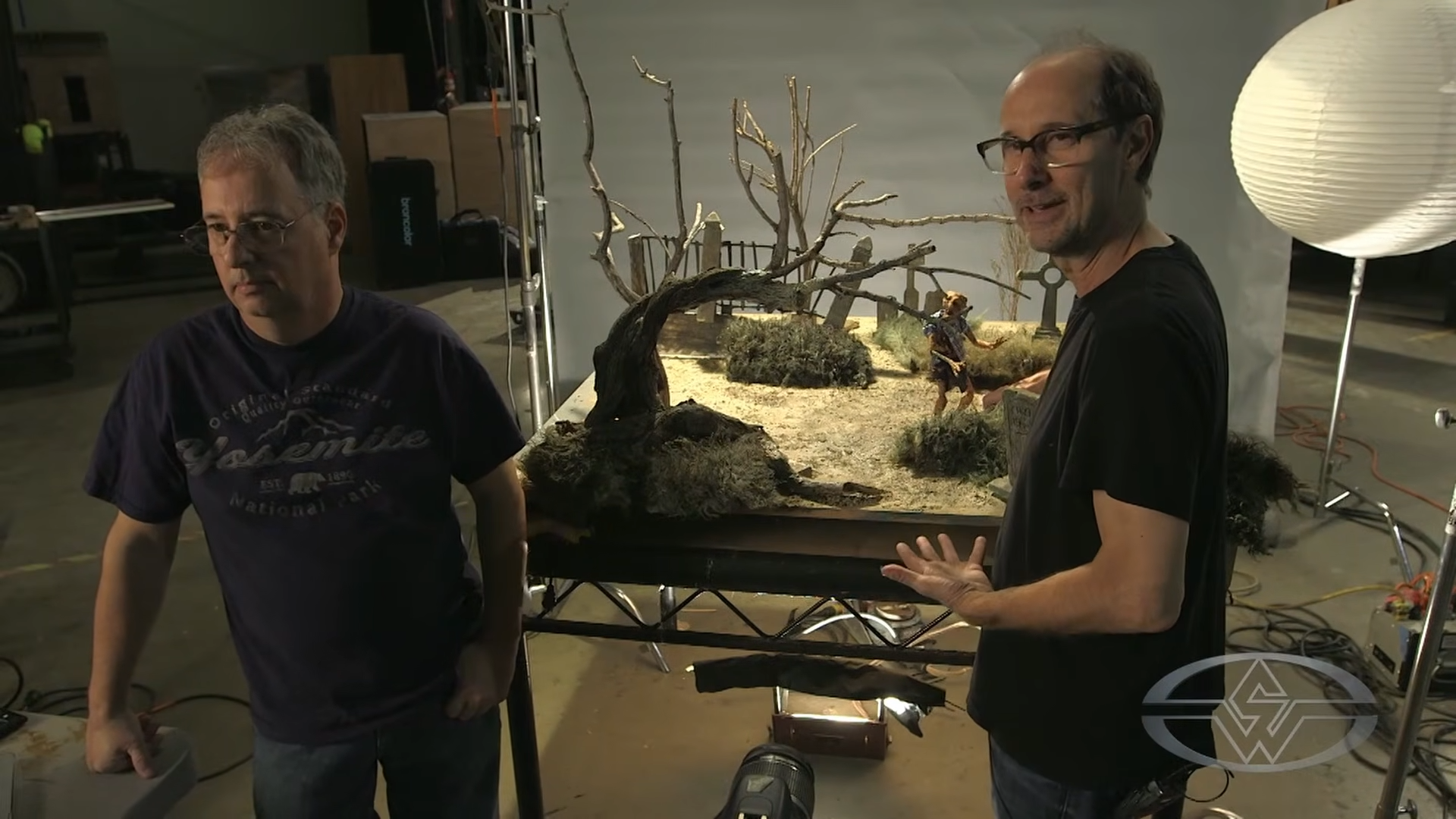
Lighting creates depth in your set, establishes the mood of the scene, and keeps each frame consistent. In this lesson, Stephen and Edward Chiodo reveal eye-opening methods on lighting a miniature set, covering the types of light sources you’ll need, how to simulate natural light for the scene, experimenting with your lighting, and more.
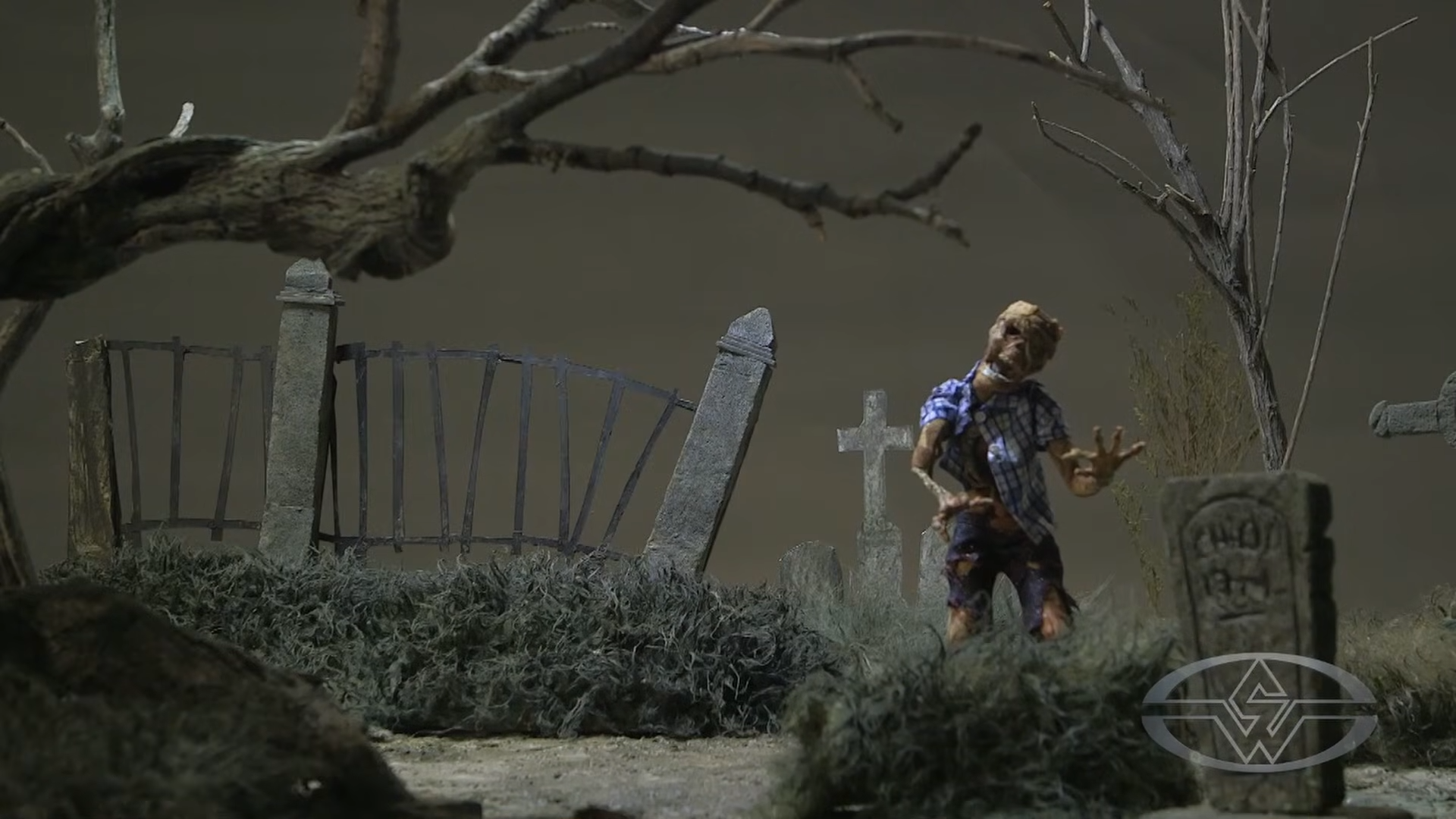
So, how do you light a spooky zombie graveyard miniature set like a pro?
Step right up and read on to learn more!
Photography Lighting Basics
 (The Chiodo Bros.' miniature set pre-lighting makeover.)
There are two primary lights you’ll use and work with when doing any kind of photography:
- Key light: Your main light source.
- Fill light: Your secondary light source that fills in the shadows and creates a contrast ratio, or the amount of light between your key light and fill light.
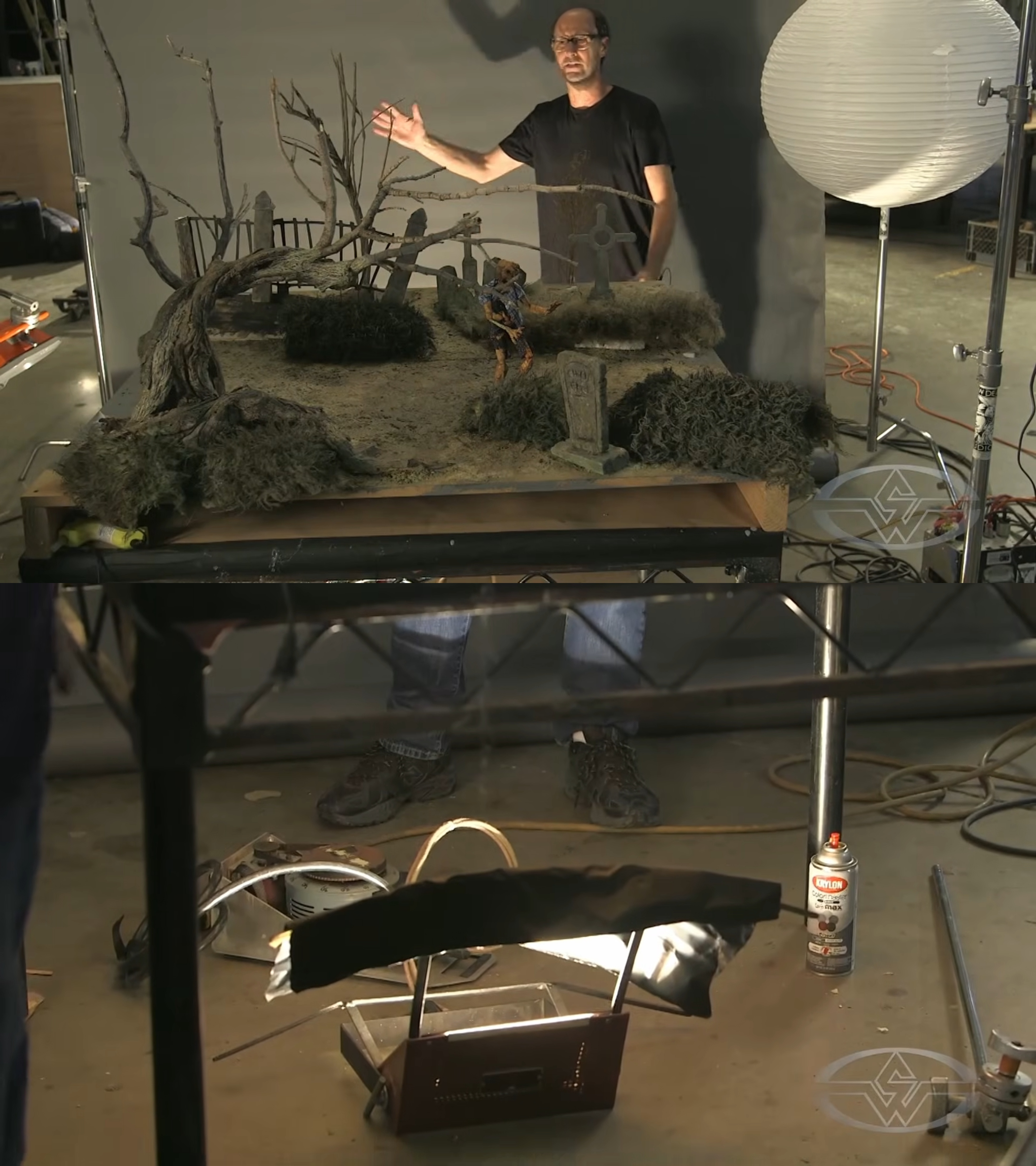 (Stephen Chiodo shows what their lighting setup looks like with a light on the background and a small ground light below the set.)
For this kind of project, you should have a light on your background, as well as a small light below your set. The Chiodo Bros recommend going to your local hardware store and investing in work lights or security lights. (No need for anything fancy!)
Usually, these lights are available in two different sizes: 500-watt or 1,000-watt. “The higher the number, the more light output,” Edward says.
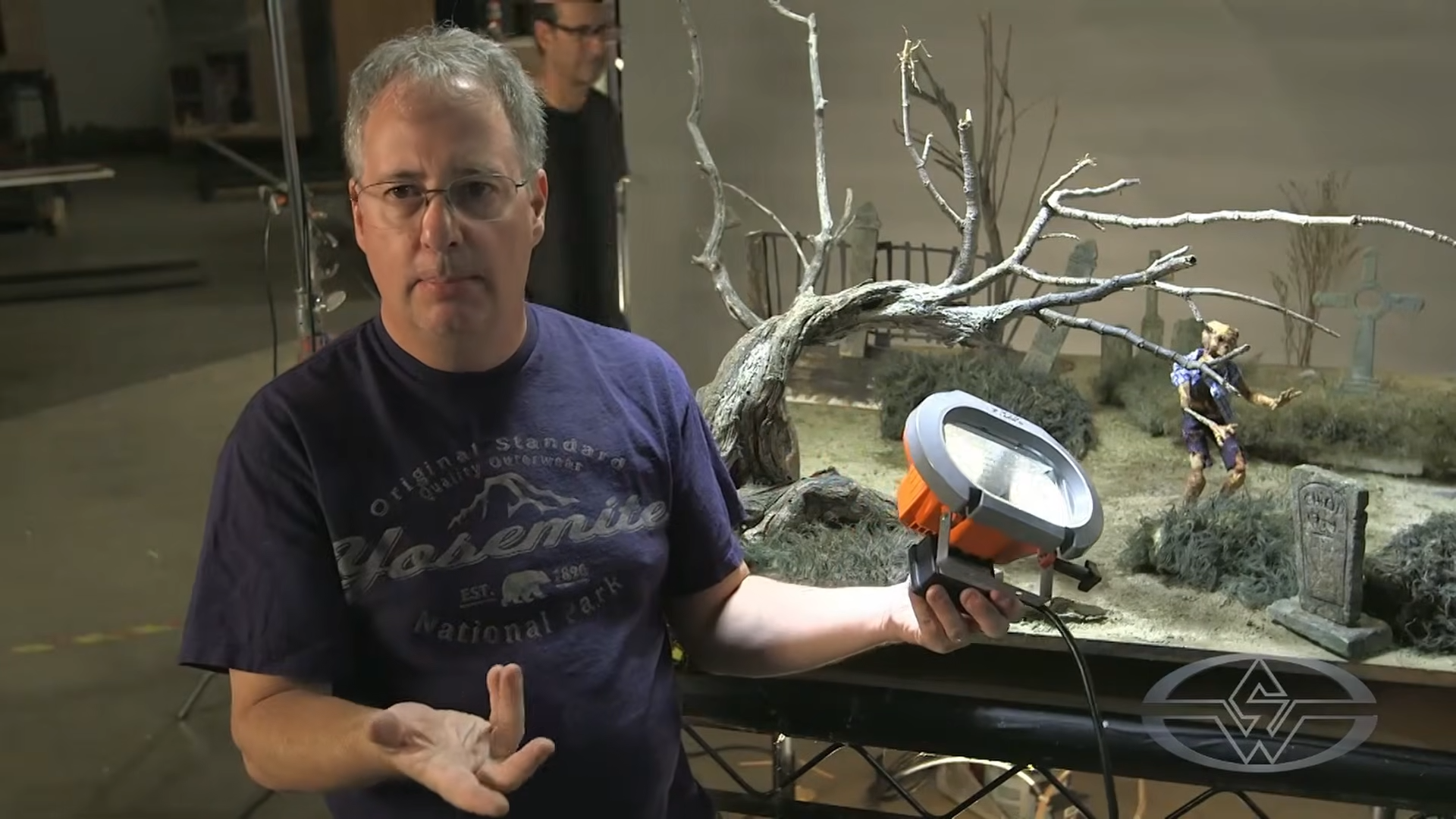 (Edward Chiodo shares how work lights, like the portable HDX work light here, can come in handy.)
These lights are readily accessible and economical. Work lights illuminate a large area — typically, a front yard, for example — with a smaller unit. This makes them great for miniature sets since they can be used for a wide, even field of light.
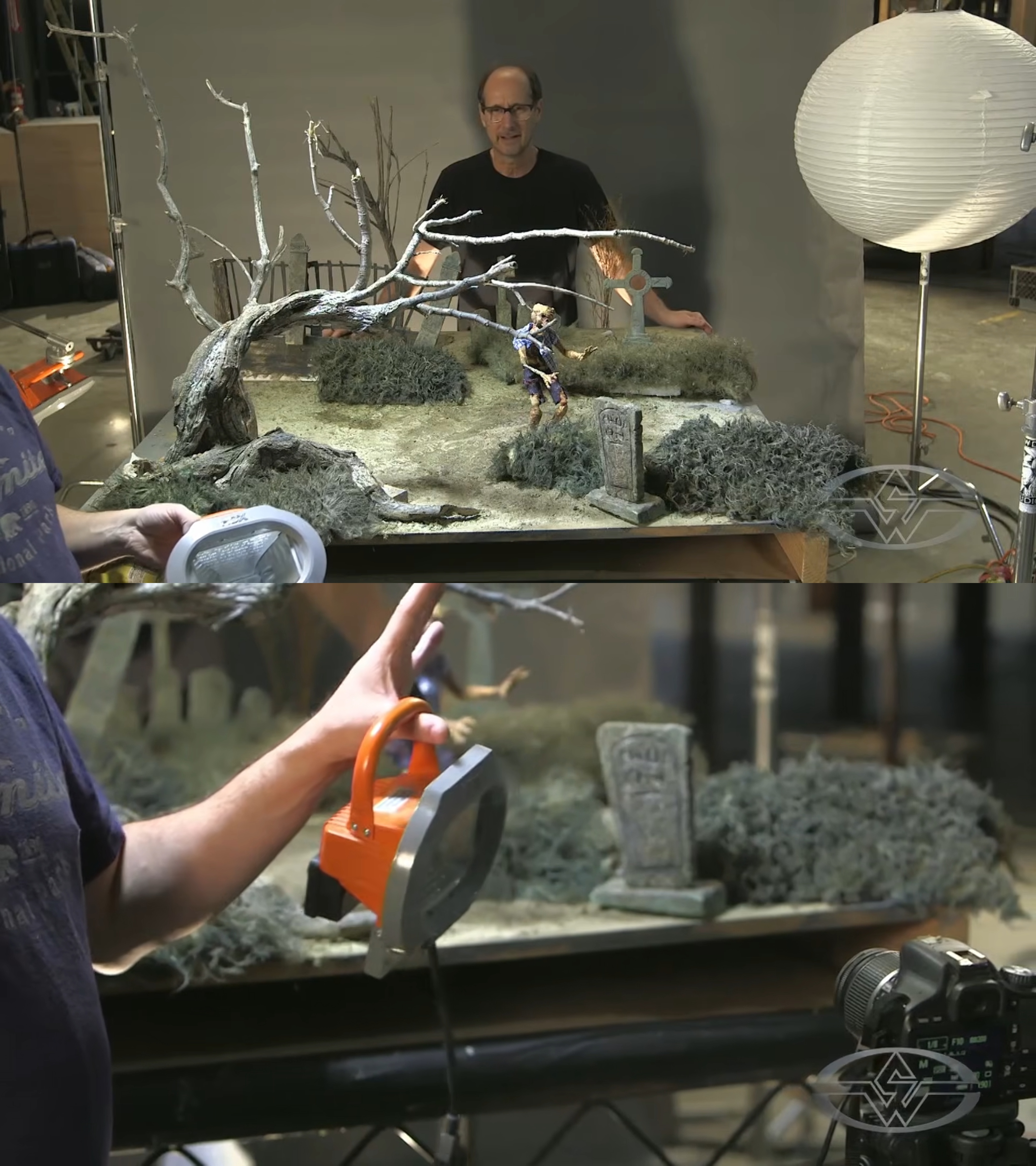 (Stephen and Edward Chiodo further discuss how these lighting units are typically used and how they can elevate your miniature set.)
“You want to have one light be the source, which creates one shadow,” Stephen explains. “If you have a set that’s really big, you have one, two, three main sources of light. You can start to create multiple shadows, and that kind of defies reality.”
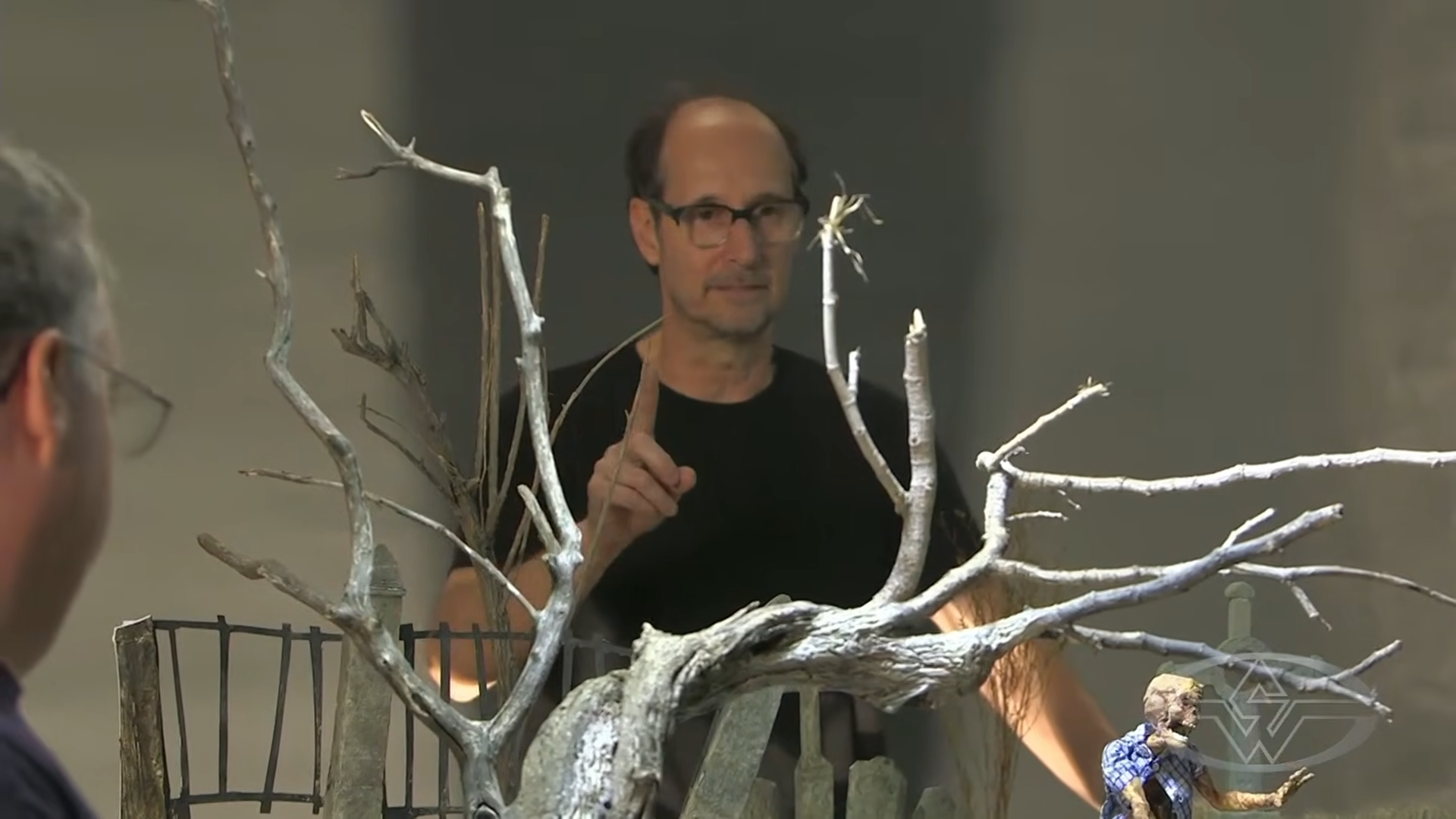 (Stephen Chiodo emphasizes the importance of having a single light source to keep your scene looking natural.)
Creating Realistic Moonlight
As you look at your miniature set, it's important to think about what the light source in this kind of setting will be. In the case of this graveyard example, it’ll be the moon.
Like the sun, the moon is a single source of light high up in the sky. Keeping this in mind, you’ll simulate a moonlight effect for your set. This will be the main source of light in the scene.
Using a utility light, you also need to consider the direction in which the light should come from to replicate how your set might appear in real life.
“If it’s a total miniature set with just miniature objects on it, you can really put the light anywhere you like,” Edward says. “But we’ve got some painted elements in the background that have a shadow already painted on it, which indicates the source of the light.”
Based on the tombstones having a dark side painted onto them, the light would be on the left. Being mindful of small details like this can help you maintain the illusion of reality.
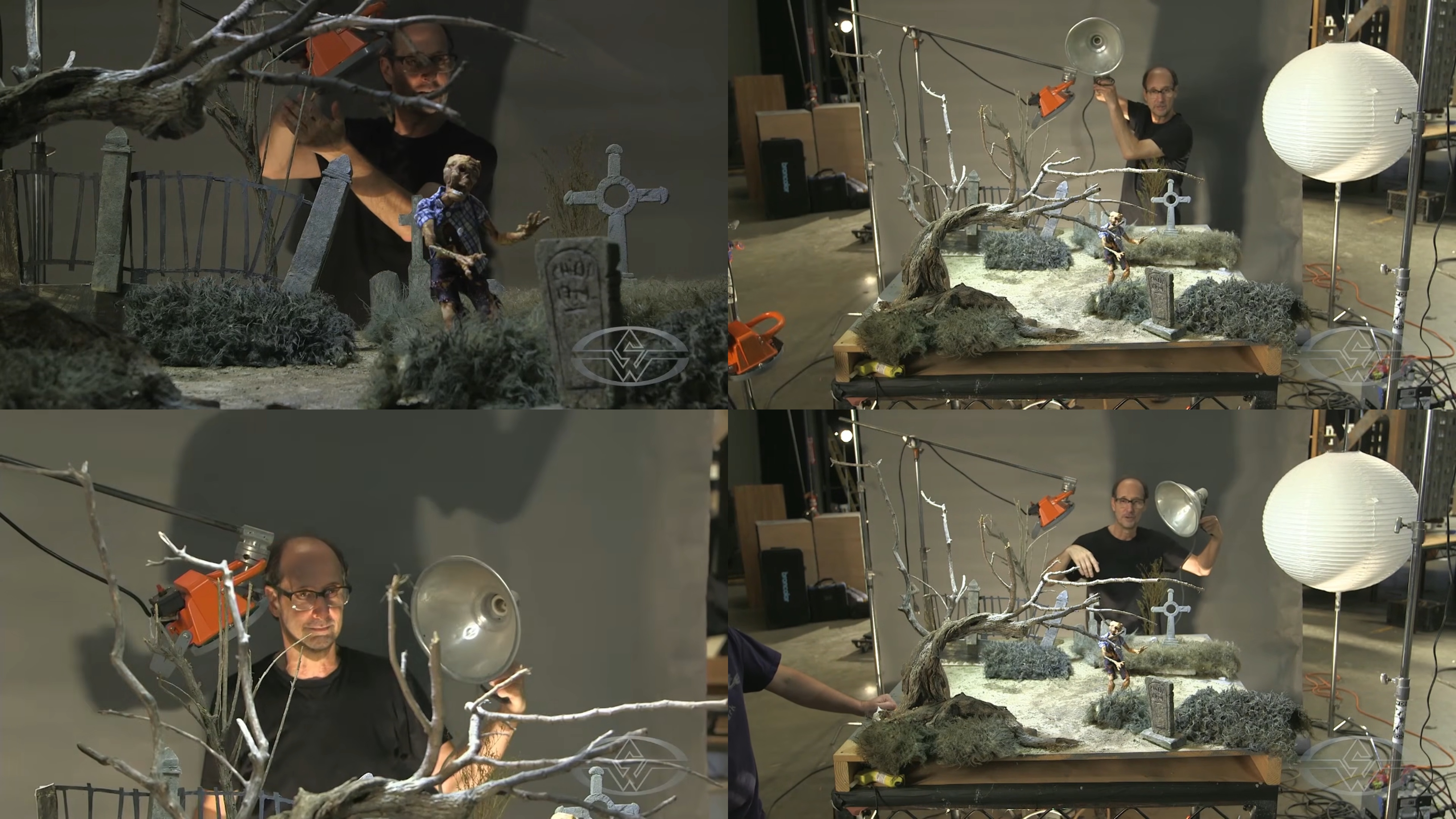 (To recreate moonlight, Stephen Chiodo brings out his utility light and clamp light.)
Either a security light, as shown, or a clamp light (sometimes called a "scoop" light) can be your source to simulate moonlight. Both can be found at hardware stores.
With a clamp light, you can clip it onto a ladder if you need to place your lights up high, and you can install the brightest bulb available, anywhere between a 100- to 300-watt bulb in the clamp light, or get a 500-watt flood light.
Pro-tip: It’s best to keep your sets on the small side even if you need to create a forced perspective in the background (smaller props making them seem farther away). This makes it easier to have one source of light be your key light. Having two or more sources of lighting on your set can create multiple shadows and it can be difficult to match the intensities of the different units. Plus, it can make your studio uncomfortably hot!
Different Light Positioning and Effects for Your Miniature Set
Now, it’s time to light your set!
First, raise your light. There are a few ways you can do this:
- Use a C-stand. A C-stand is a flexible piece of grip equipment that allows you to lift the light up and down and position it.
- Use a ladder. You can put a clamp light on it.
- Use a rig. You can engineer your own clever way to mount a high-placed light.
No matter which method you choose, it needs to be “absolutely secure” for animation. It cannot wobble or be in a place it might get bumped.
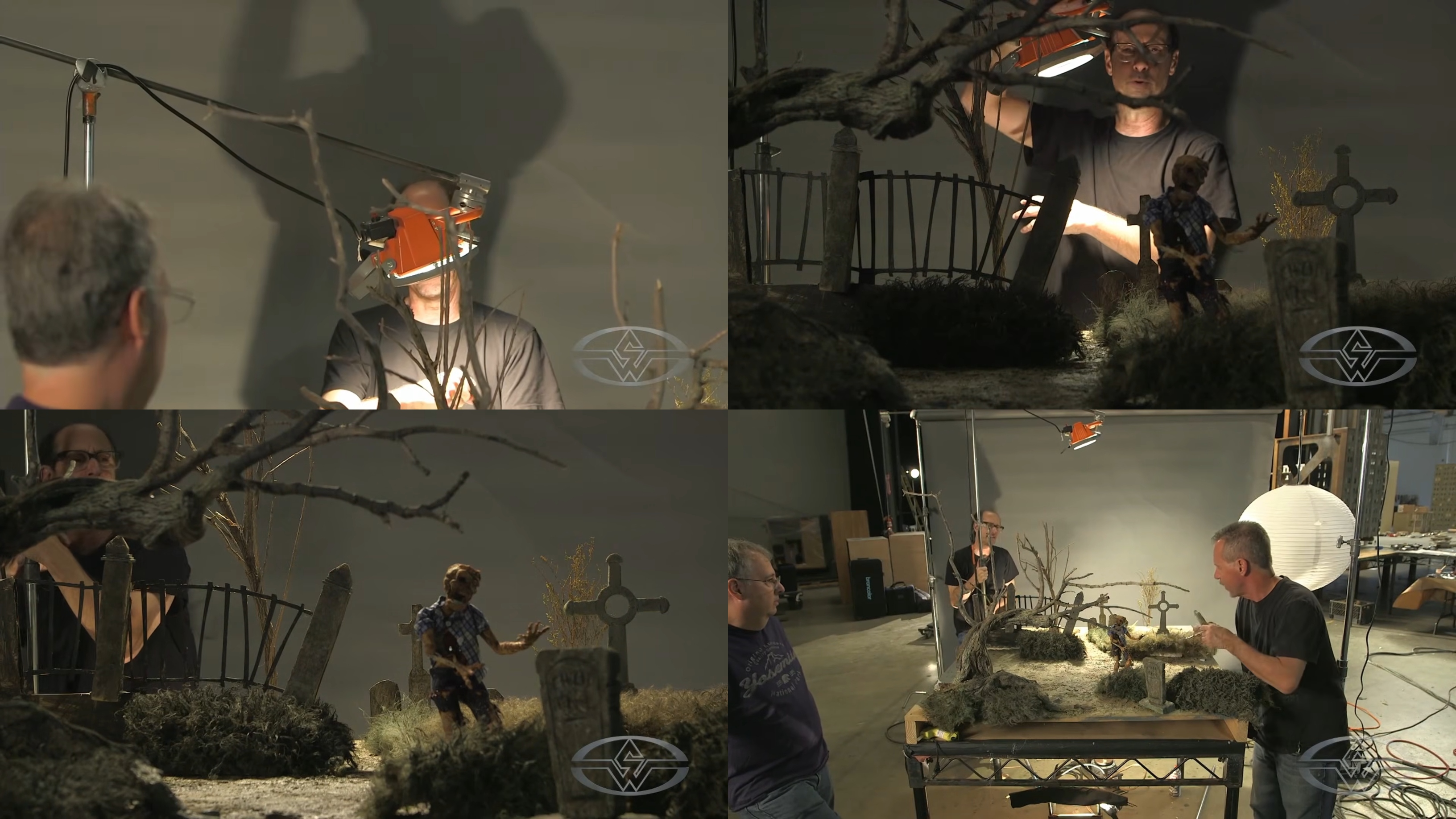 (Stephen Chiodo demonstrates the different ways you can raise and secure your light.)
“This is the fun part. This is where you start to be really creative,” Stephen says. “Where does this lighting come from? You'll see that where you put the key light creates a lot of different moods.”
Place your lighting up high enough that it covers your entire set and the ground plane has lighting hitting it.
Experiment with the lighting by placing it into different positions to see what looks best for your miniature set. There’s no “right” or “wrong” way to light your set, Stephen stresses. It’s whatever you want it to look like!
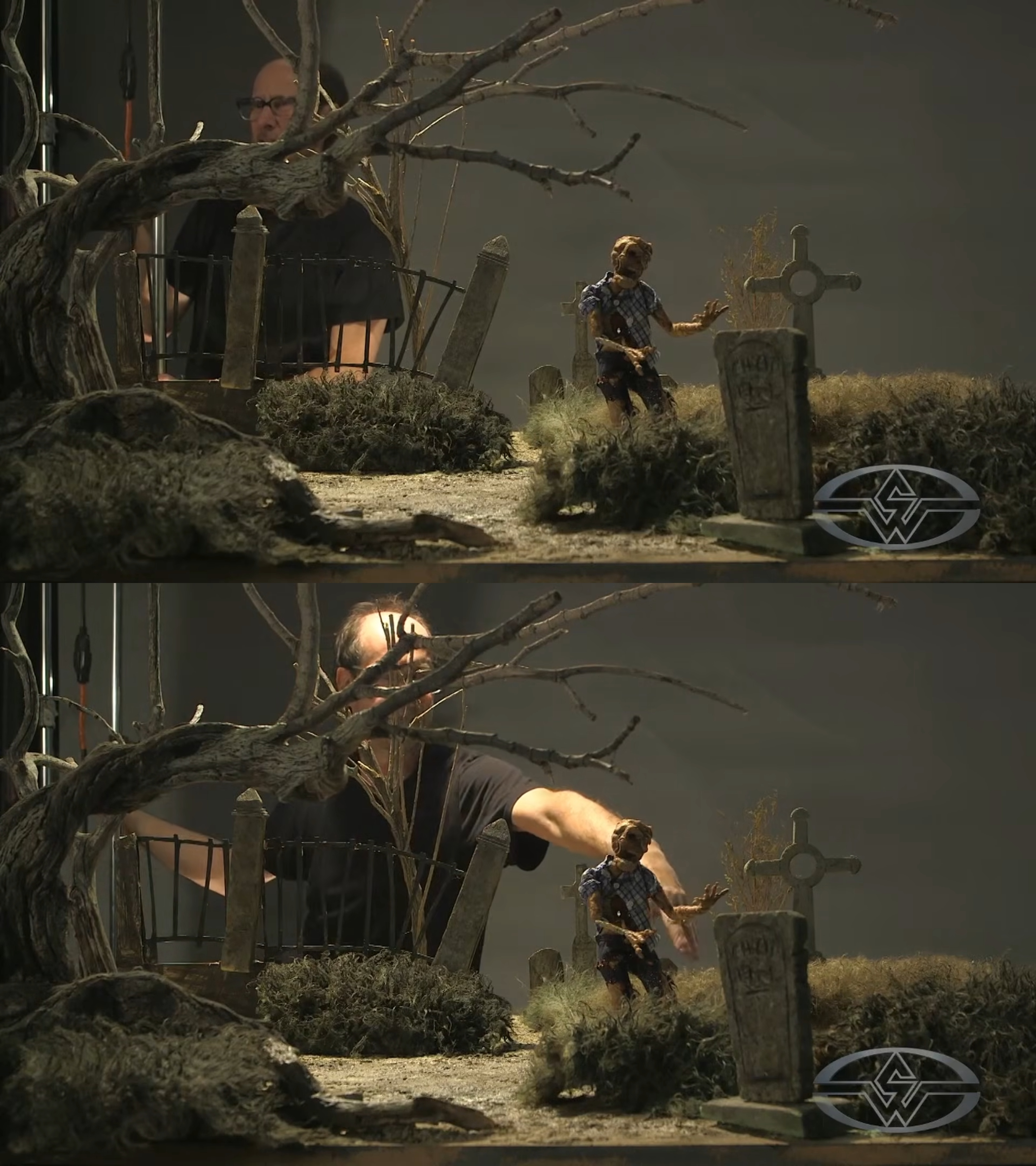 (Stephen Chiodo manipulates the lighting to set the mood of the scene.)
For example, if you come from camera left with the light, the shadows you’re creating on the puppet are going to go straight down since the light is right above it. With the “moon” right above the character, it can create some nice rendition but may appear flat on some of the characters, Stephen explains.
By bringing the key light slightly forward, it’ll light up your character from the front a bit more in comparison. Again, you may find that the front lighting is a little flat, showing too much and takes away some of the dimensionality of the character.
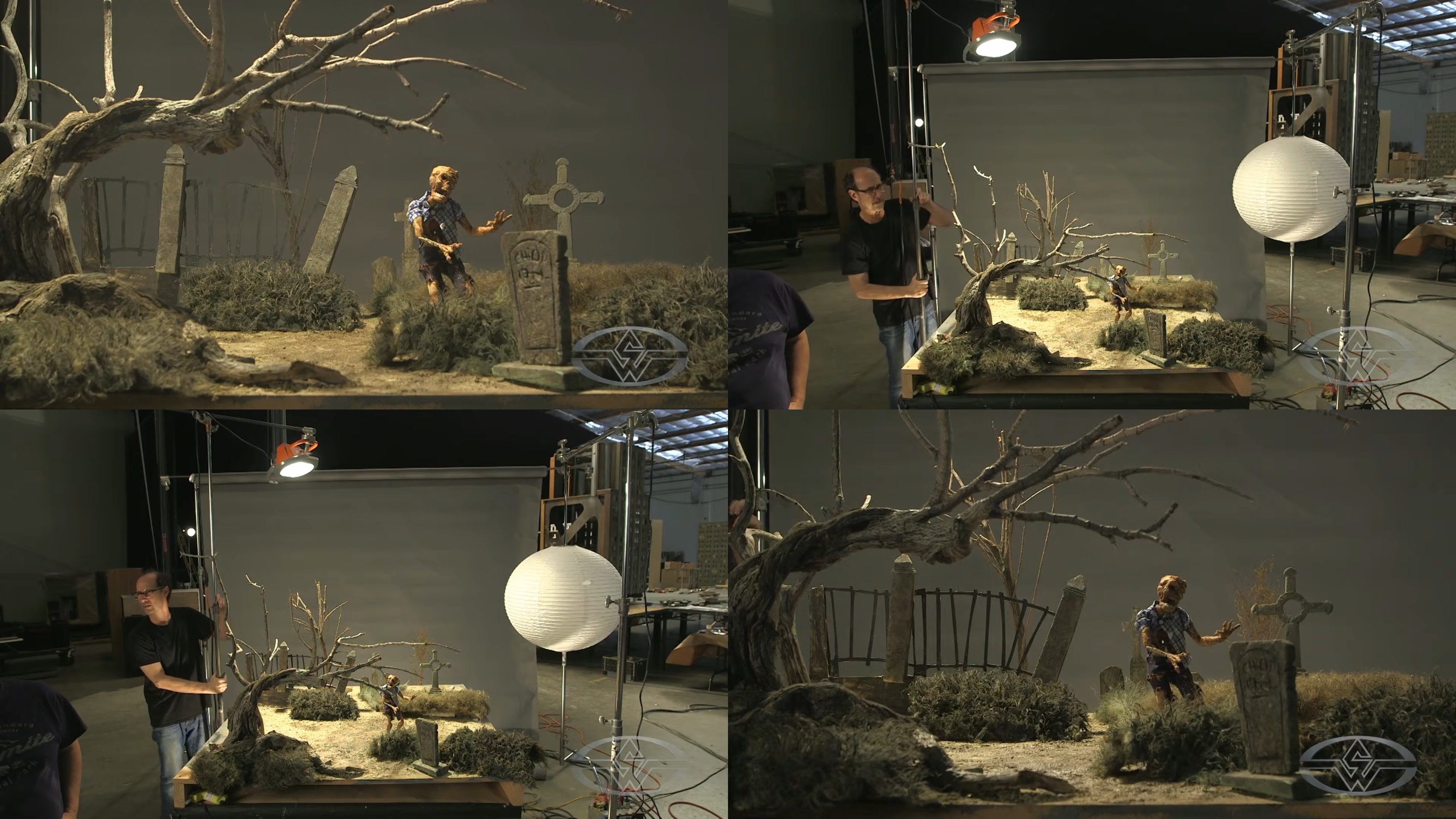 (Stephen Chiodo shows how the mood of the scene changes simply by repositioning the light.)
What Stephen personally likes to do is bring the light slightly behind the character, so it acts more like a backlight. This leaves the front of the character in shadows and gives him a creepier look.
And a nice little bonus?
“If the finishing on your puppet isn't exactly the way you want it, the lighting can help conceal some things that you don't want,” he says. “Remember, it's only what you see on the camera that counts.”
With this light positioning, you’ll find that the backlight has created a nice rim silhouette of the character and makes it stand out against a darker background.
Closing Your Camera Aperture
As you're experimenting with your lighting, make sure the lens aperture on your camera is wide open so you can see the set a bit better. When you shoot, you'll be using a much smaller aperture for more atmosphere, Edward says.
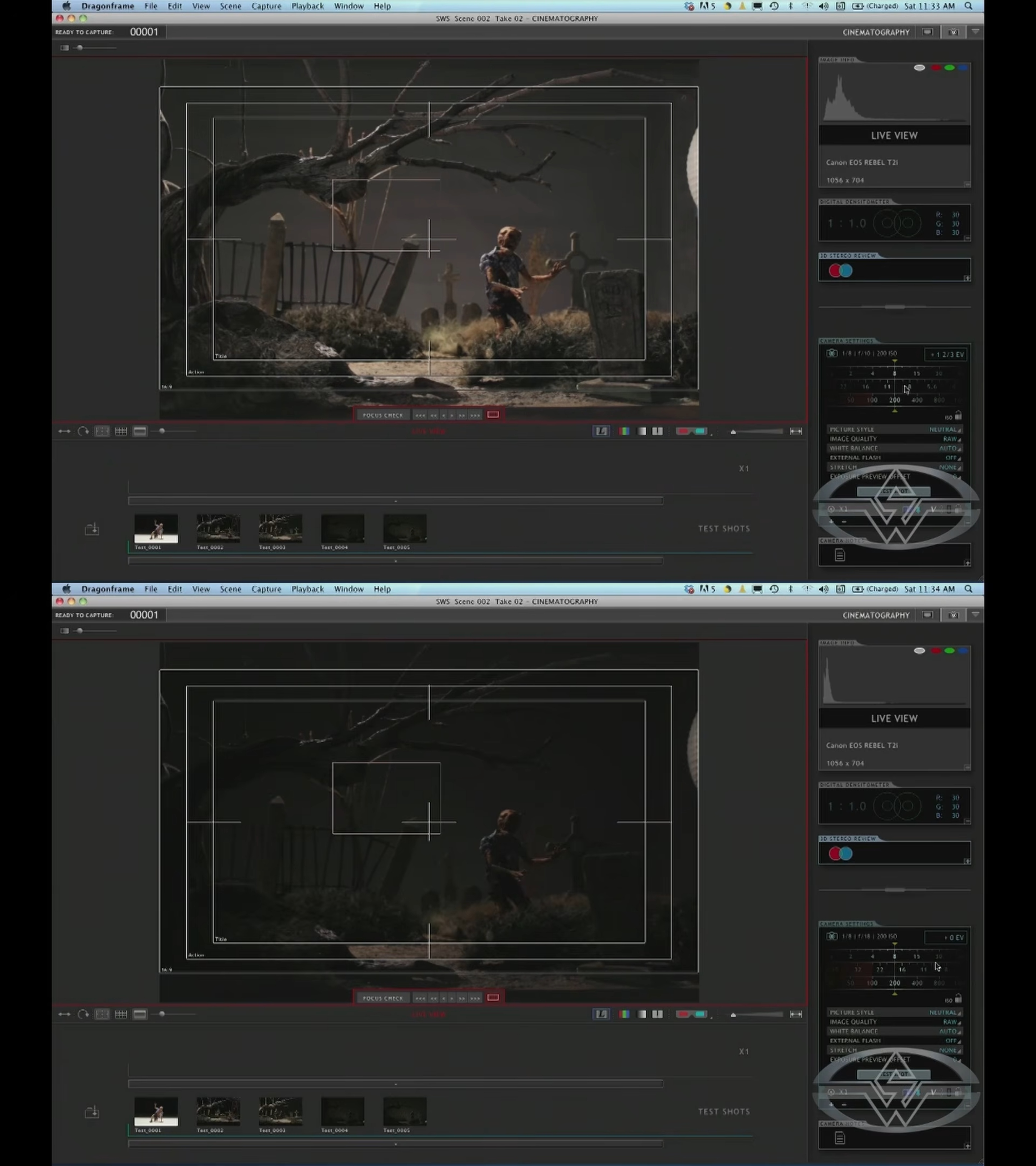 (Edward Chiodo closes the camera aperture to see how the lighting will look when it's recorded.)
Closing the aperture allows you to get a better idea of what the actual lighting composition is going to be. A good place to start is an aperture of around f/16, which can give a better sense of what the mood of your graveyard is going to be, Edward says.
Experimenting With Your Ground Light
Don't forget your ground light! Manipulate this light as well, such as by placing it underneath the stage and pointing it up at the background. You can create a bright line at the horizon, and have it fall off into the darkness as you get toward the top of the frame, Edward says.
If you find that the sky appears too evenly lit and flat, creating a small glow of light at the base of the horizon can help.
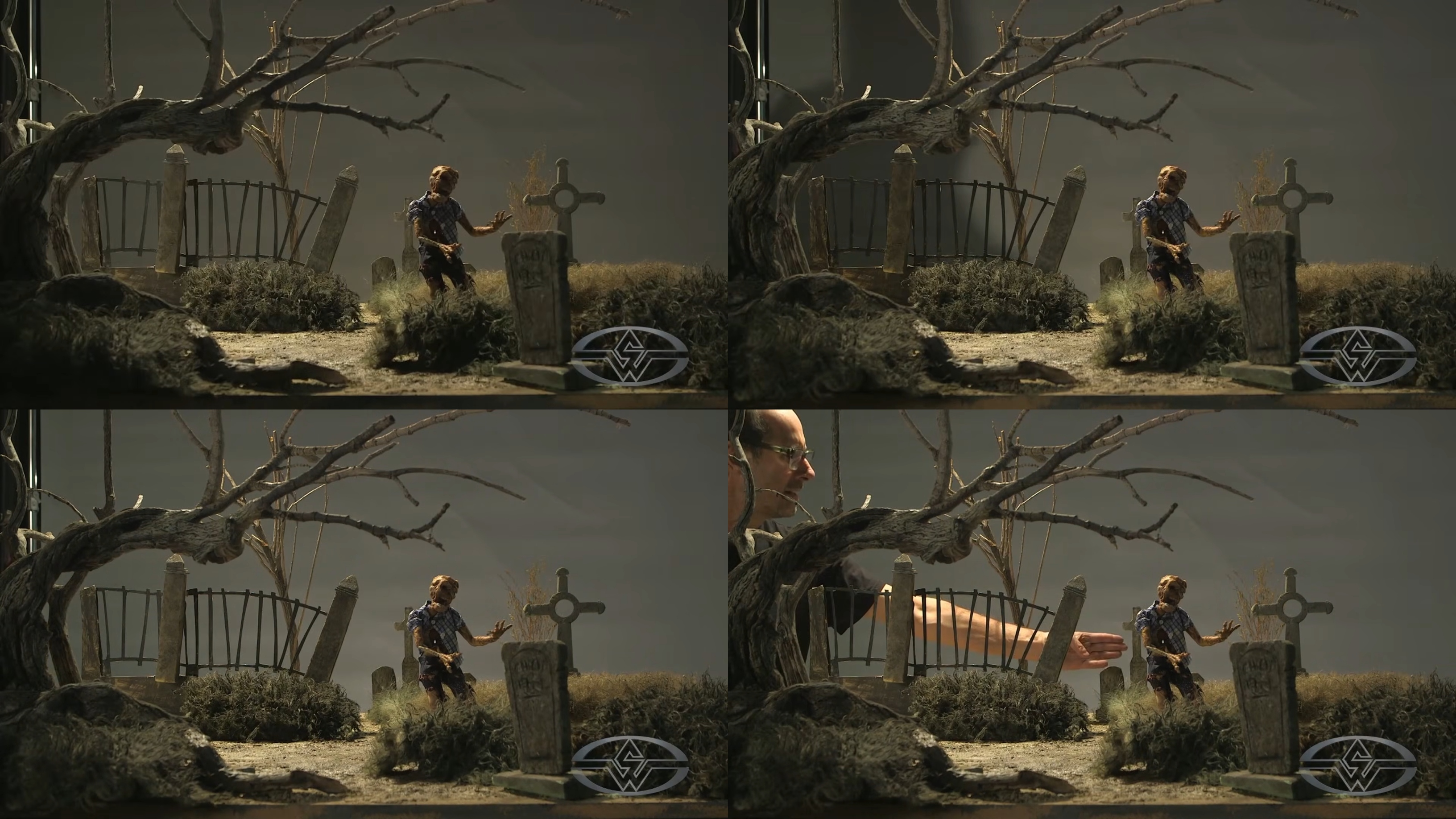 (Stephen Chiodo achieves a new spooky look for his graveyard miniature set by repositioning his ground light.)
Even with minimal manipulation and lighting, you can transform the scene.
Pro-tip: Use a dimmer to control the intensity of the light. No dimmer? No problem! An alternative is moving the light closer to make it brighter or pulling it further away to make it darker.
Using LED Lightings for Miniature Sets
LED lights can also be a good source of lighting for your set. Some benefits of using LEDs for lighting your miniature sets include:
- They're small.
- They don't get too hot.
- You can place them anywhere you want on the set.
- They’re readily available.
- The light output is just as good as conventional movie lights.
Stephen and Edward agree that the look of their set could be enhanced with some LEDs for underlighting. That way, as the zombie rises, he wouldn’t just be lit from the top from the moonlight.
The eerie underlighting would illuminate the character and create a haunting effect. “It's a pretty classic horror lighting scheme to have an under light; it just makes things look really creepy,” Stephen says. “An LED light would enable you to do that.”
Introducing Fill Light
Now, with the moon established, you will find that your scene has a drastic contrast ratio. Between the relationship and value of the light and intensity of the key light to the shadows, there’s a high contrast, or ratio of light.
This happens any time all the light comes from one direction; here it's from behind, illuminating the character’s back, shoulders, and side of the head.
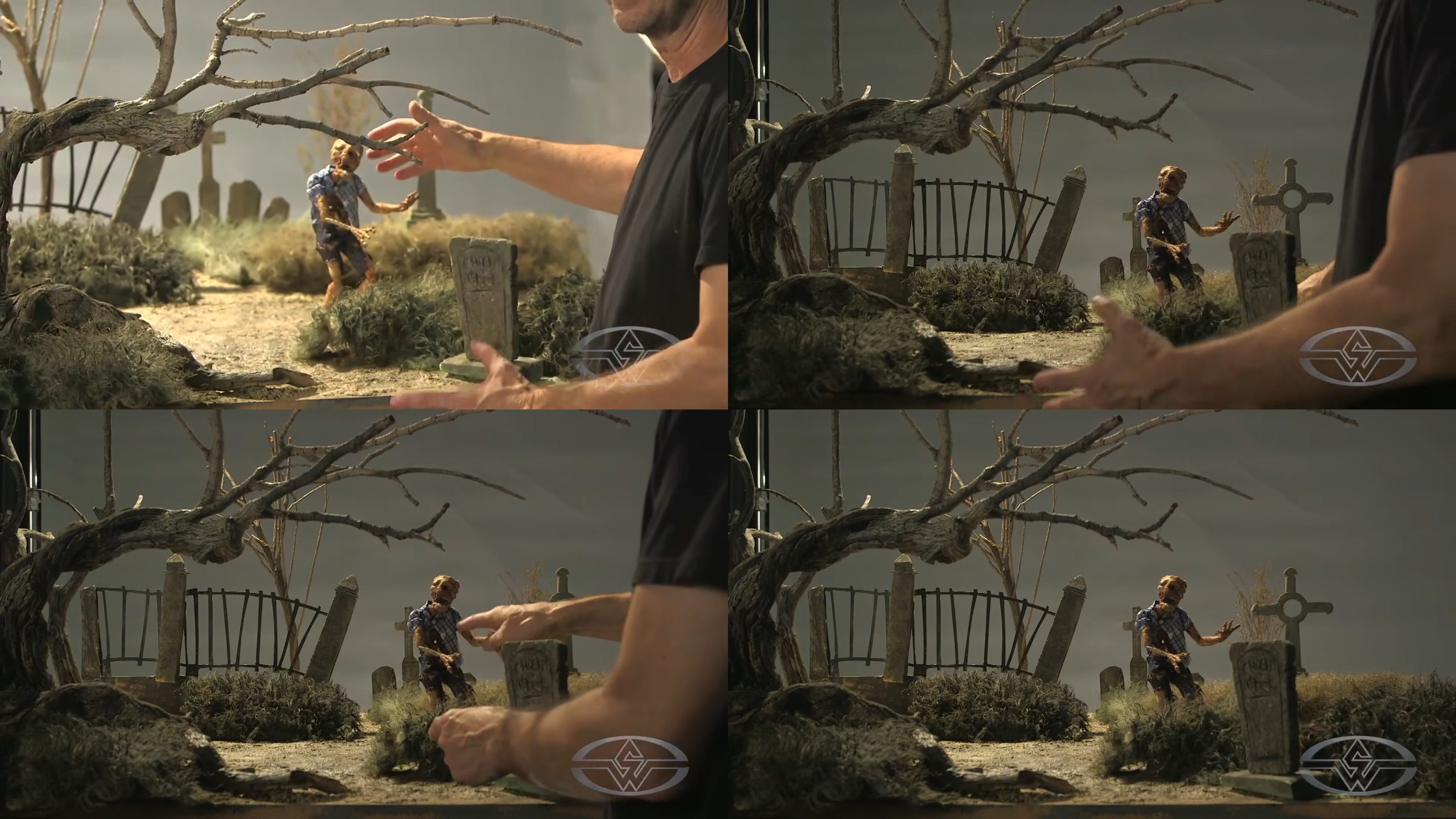 (Stephen Chiodo points out the high contrast ratio in the scene and why a fill light is necessary to help details stand out.)
While this scene looks good overall, you don't want to lose the detail in the scene.
This is where a fill light comes in. A fill light is a source of light that's placed to fill in any shadows and reduce the contrast ratio.
From there, you can further elevate your spooky scene!
WATCH THE “STOP MOTION ANIMATION” COURSE WITH THE CHIODO BROS:
Stop Motion Animation Part 1: Puppet Creation
Stop Motion Animation Part 2: Set Design & Construction