
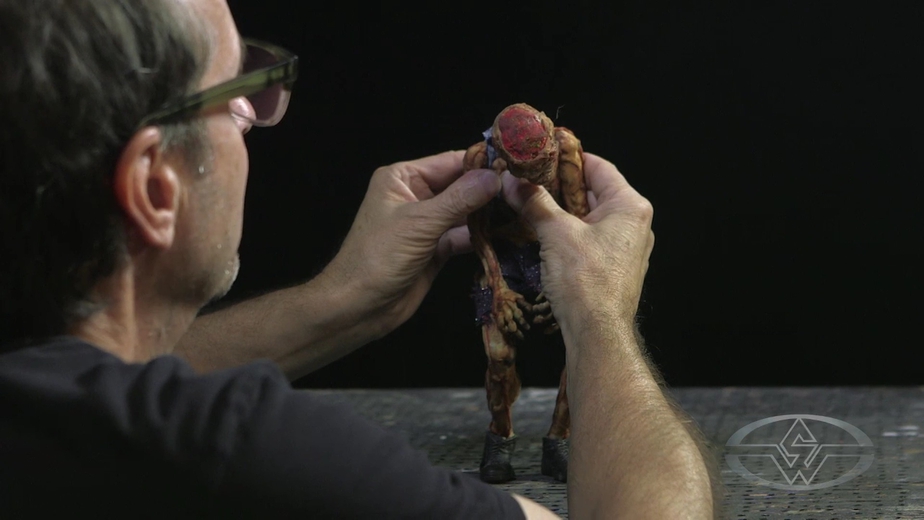
How to do Stop Motion Animation with the Chiodo Bros
In this FREE excerpt from the Stan Winston School of Character Arts course, Stop Motion Animation Part 4: Puppet Animation Techniques, legendary stop motion animation and creature effects wizard, Stephen Chiodo of the Chiodo Bros (Team America, Killer Klowns from Outer Space, Elf) breaks down how to animate your stop-motion puppet for the camera one frame at a time.
Jump To Section
- Easing In: The First Increment of Movement in Stop Motion Animation
- Using Small Movements to Animate Your Stop Motion Puppet
- Reviewing Your Increments in Dragonframe
- Adding Life to Your Puppet Animation With Subtle and Natural Movements
- Creating a Fluid Animation in Stop Motion
To watch the complete instructional video, click the player above!
In this lesson, you’ll learn how to bring your puppet to life and create a seamless and natural stop-motion animation. Stephen Chiodo shares how to create the magic of stop motion through frame-by-frame manipulation of your puppet, starting with the first increment.
Easing In: The First Increment of Movement in Stop Motion Animation
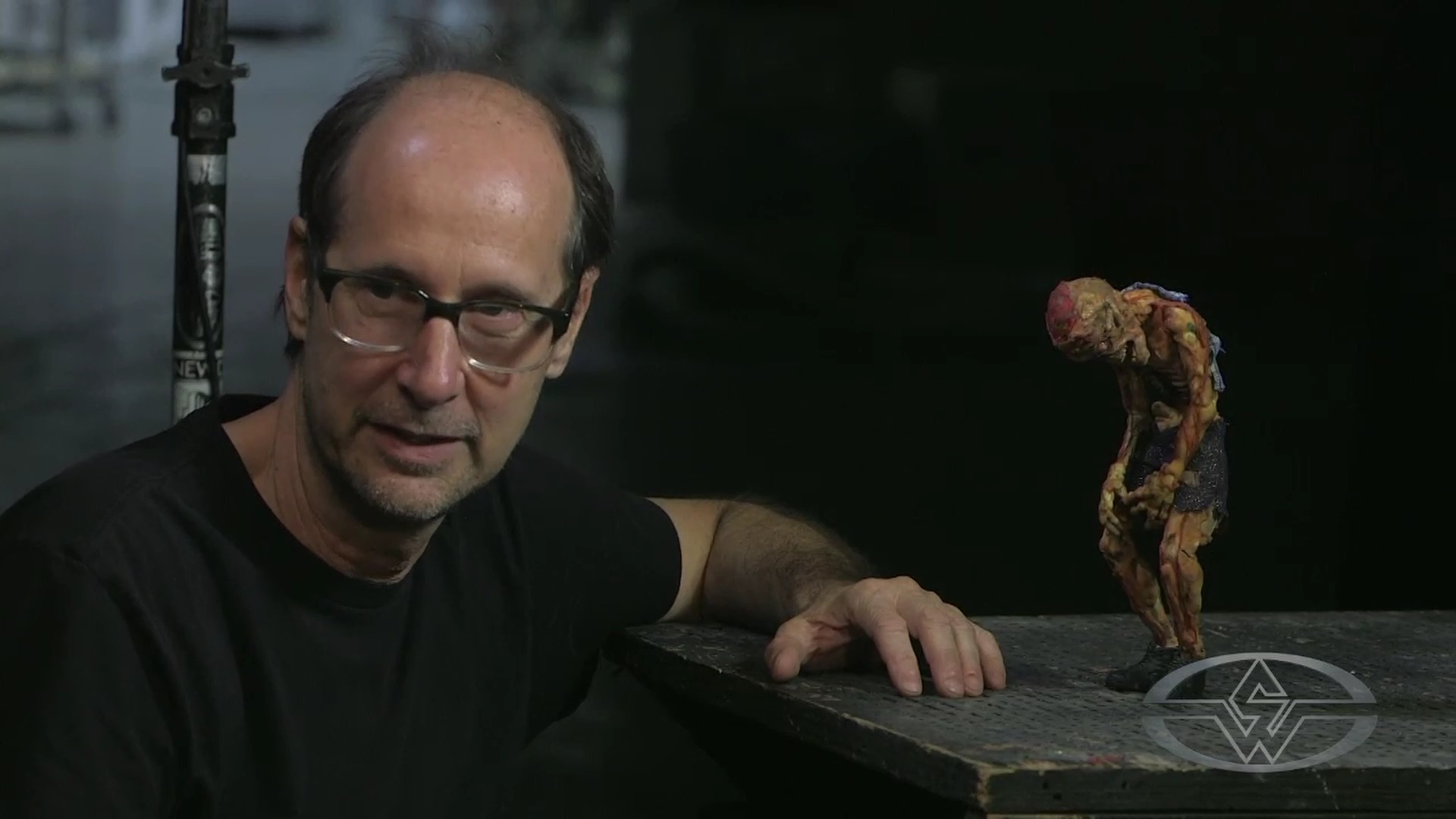
When you approach your puppet, keep in mind that you want it to slowly come alive — as opposed to abruptly bursting into action — for your first increment. Easing into the first movement helps create a natural and smooth animation overall.
As Stephen begins the lesson, he immediately shares a pro-tip for your first increment:
“I go over to the puppet, and I just touch the puppet. I see where I’m going to hold him, how I’m going to move him. I just touch the puppet, and I don’t move it…it kind of gets me into the zone of the puppet. Just touching the puppet, believe me, is an increment of movement.”
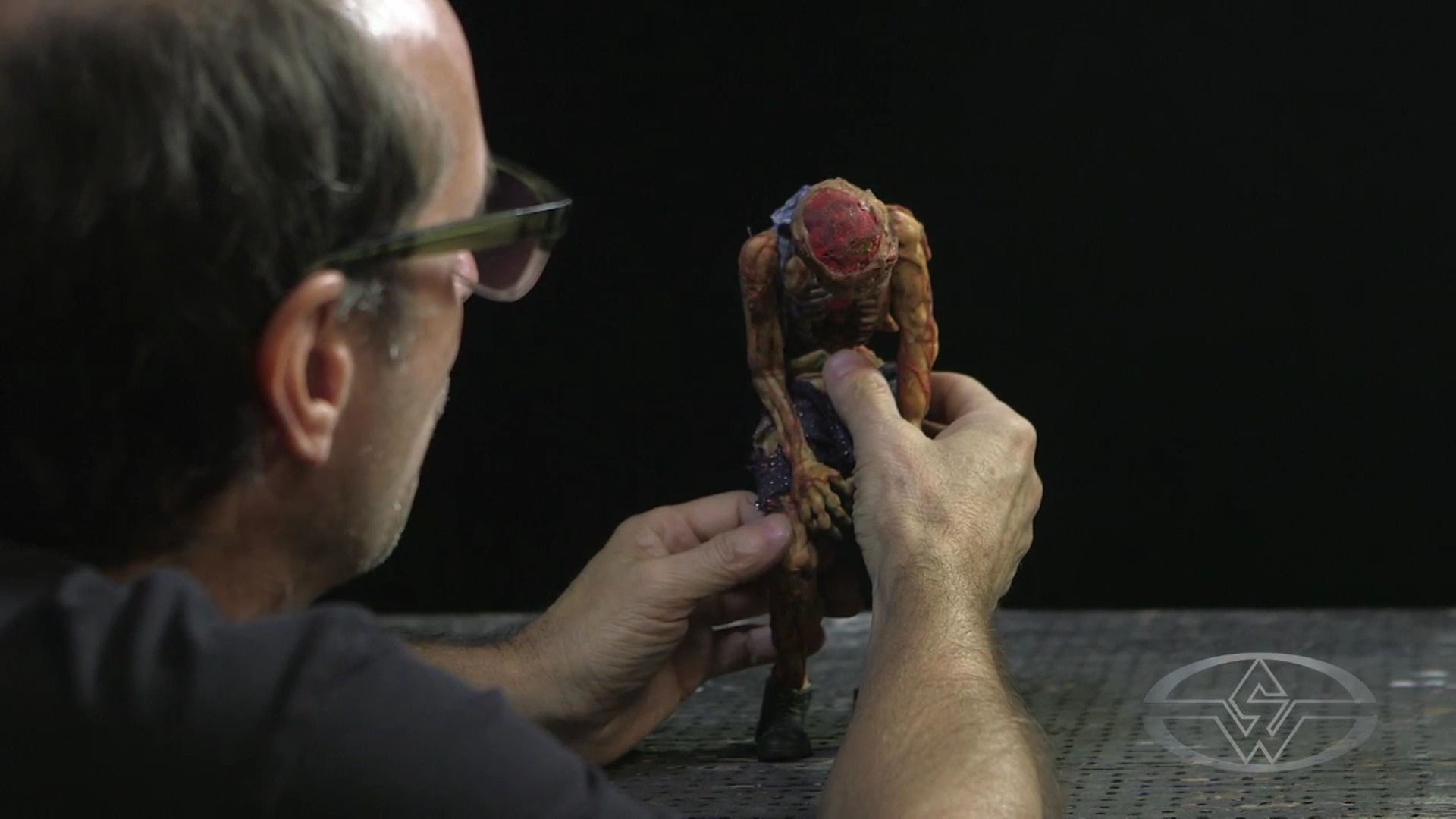 (Stephen Chiodo touches his stop-motion puppet to get an idea of how he'll begin to animate it.)
After this exercise, take a frame of your still puppet before introducing the first movements. For this lesson, Stephen wants his puppet to do a slow, two-second rise, starting with the back and lower spine with the rest of the body following.
Using Small Movements to Animate Your Stop Motion Puppet
Upon making the first increment, be sure to move your puppet ever so slightly. Larger moves will result in a choppiness in your animation. To make this task fun for himself, Stephen says he makes it a little contest to see how small of an increment he can get his puppet to move.
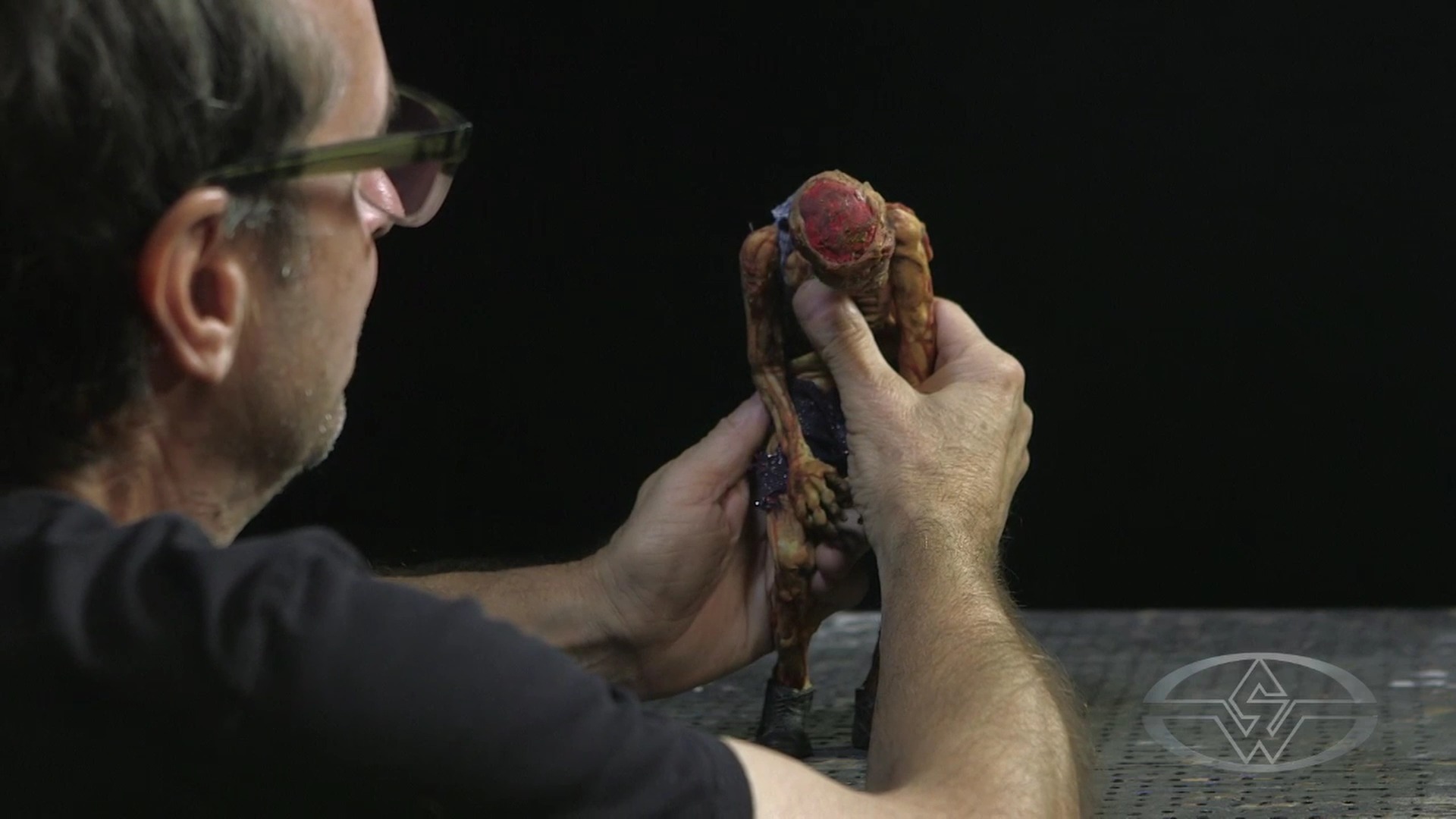 (Stephen Chiodo introduces the first movements in his puppet, slightly pressing and pushing the rib cage.)
Touch your puppet’s ribcage, hold him on his knees, and give the slightest push to get the first subtle increment of movement.
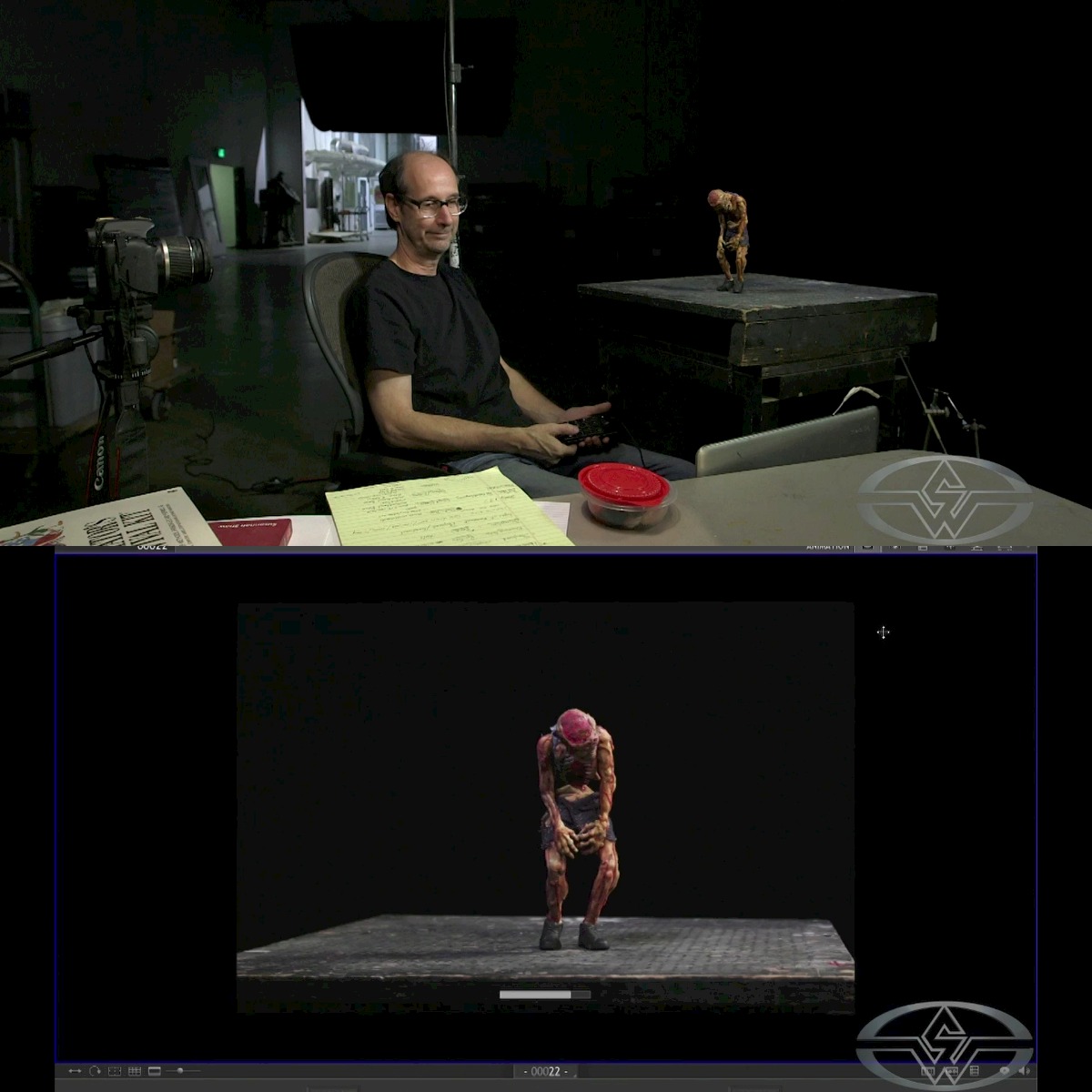
With the Dragonframe stop motion program, you can critique, edit, and look at your shot while animating it. And you can actually go back and forth between frames to see how much movement you’ve given the puppet with its "onion skinning" feature. This helps you create and maintain a fluid animation that’s necessary for smooth stop motion.

Because you want the entire body to come alive, you’ll want to put each joint, or as Stephen refers to them, “each axis of movement,” in a subtle, slightly moved position.
“The wrist is an axis. The elbows, the shoulders, the back of the neck — all these different axes of movement,” he says. “What you want to do is you just don’t want to move one axis. You want the elbow to move. You want the shoulder to move. You want the wrist to move. You want multiple axes of movement happening all the time, so that the entire puppet is coming alive.”
 (Stephen Chiodo demonstrates the process of bringing his puppet to life by adjusting different axes of movement.)
Keeping the range of motion in mind as your puppet rises up, slightly rotate the head beyond the elbows, turn the elbows inward, move the fingers, and relax the wrist. Next, shift the weight by slightly moving the ankles. These should be micro-increments or tiny little flexes in the body.
Reviewing Your Increments in Dragonframe
As you look at the increments on Dragonframe, take a frame.
In stop-motion animation, you can shoot on “ones” or “twos.” (And even “threes” and “fours”!) This refers to the number of frames that each image is held. For the smoothest animation, you can shoot on "ones" at 1/24th of a second, but when you shoot on "twos" you take a picture for every two frames, and therefore, 12 individual frames a second. The phenomenon called "persistence of vision" is what makes a series of individual frames shown in rapid succession appear to "move" and the effect is only slightly diminished with 12 images per second as opposed to 24, but the time saved can be worth it.
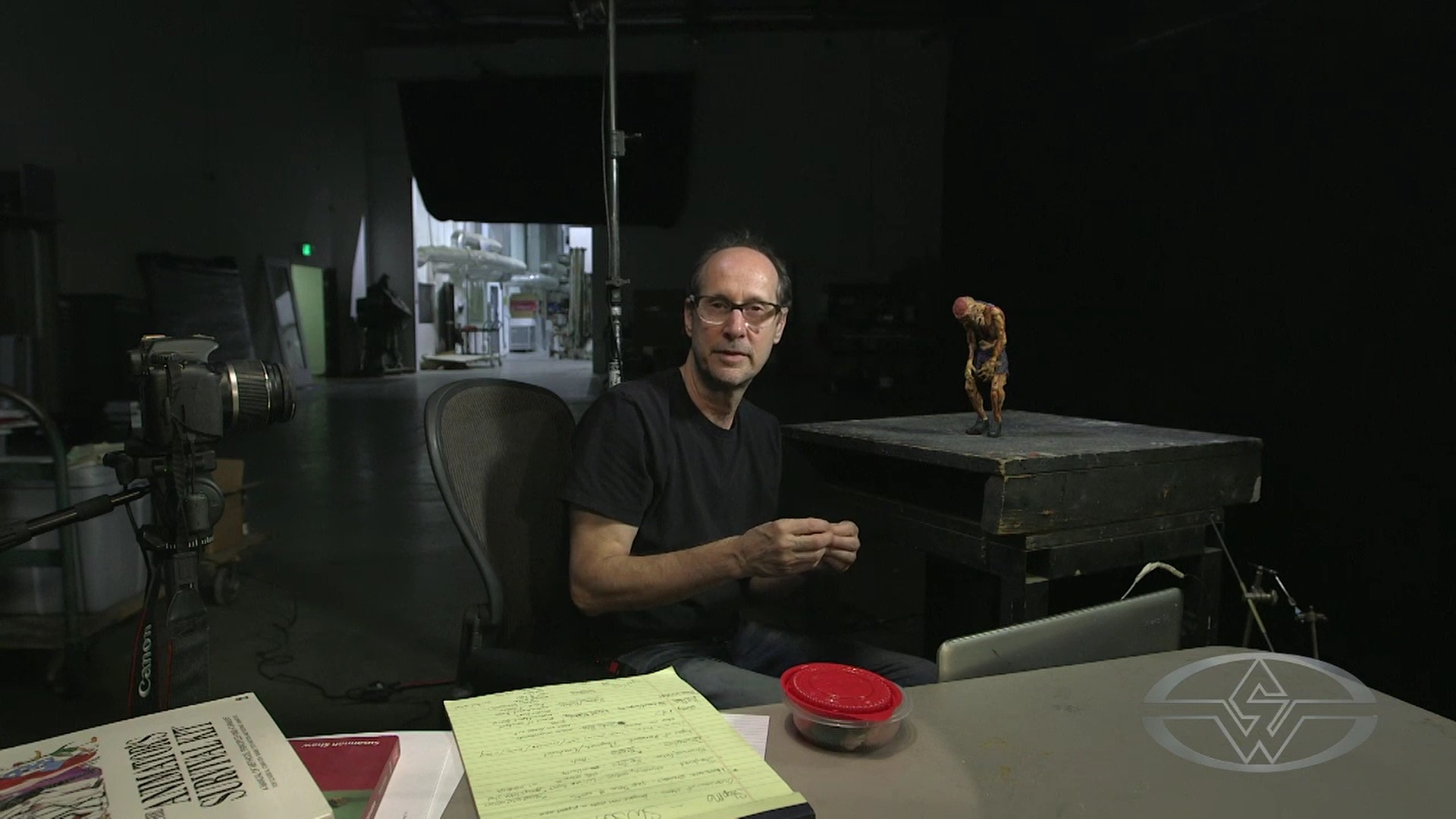 (Stephen Chiodo explains the advantages of shooting on twos, each capture is two frames of 24, or 1/12 of a second, instead of 1/24.)
When you’re making micro-increments as you are in this lesson, Stephen says shooting on twos can also ensure things don't happen too quickly. Since each movement is meant to be very subtle, holding the image for two frames lets you stretch the movement out over time.
Once you develop a sense of how much to move a puppet per increment, shooting on ones, as Stephen does in this lesson, will impart more lifelike fluidity, especially as his goal is not to maximize his shooting time.
Adding Life to Your Puppet Animation With Subtle and Natural Movements
Go back to your puppet, and begin making subtle movements starting with the center of the body and working your way out from the center. This means you’ll start with the hips, then the back, spine, arms, and fingertips.
Stephen recommends repeating this every time you approach the puppet so it helps you keep in mind what you’re doing, the order of what you’re doing, and the action.
With that, go to your puppet and make the body start to move up. You’ll start by lifting the hips up at the knees, then continue with the ribcage. Be sure to bend it up and rotate it a tad.
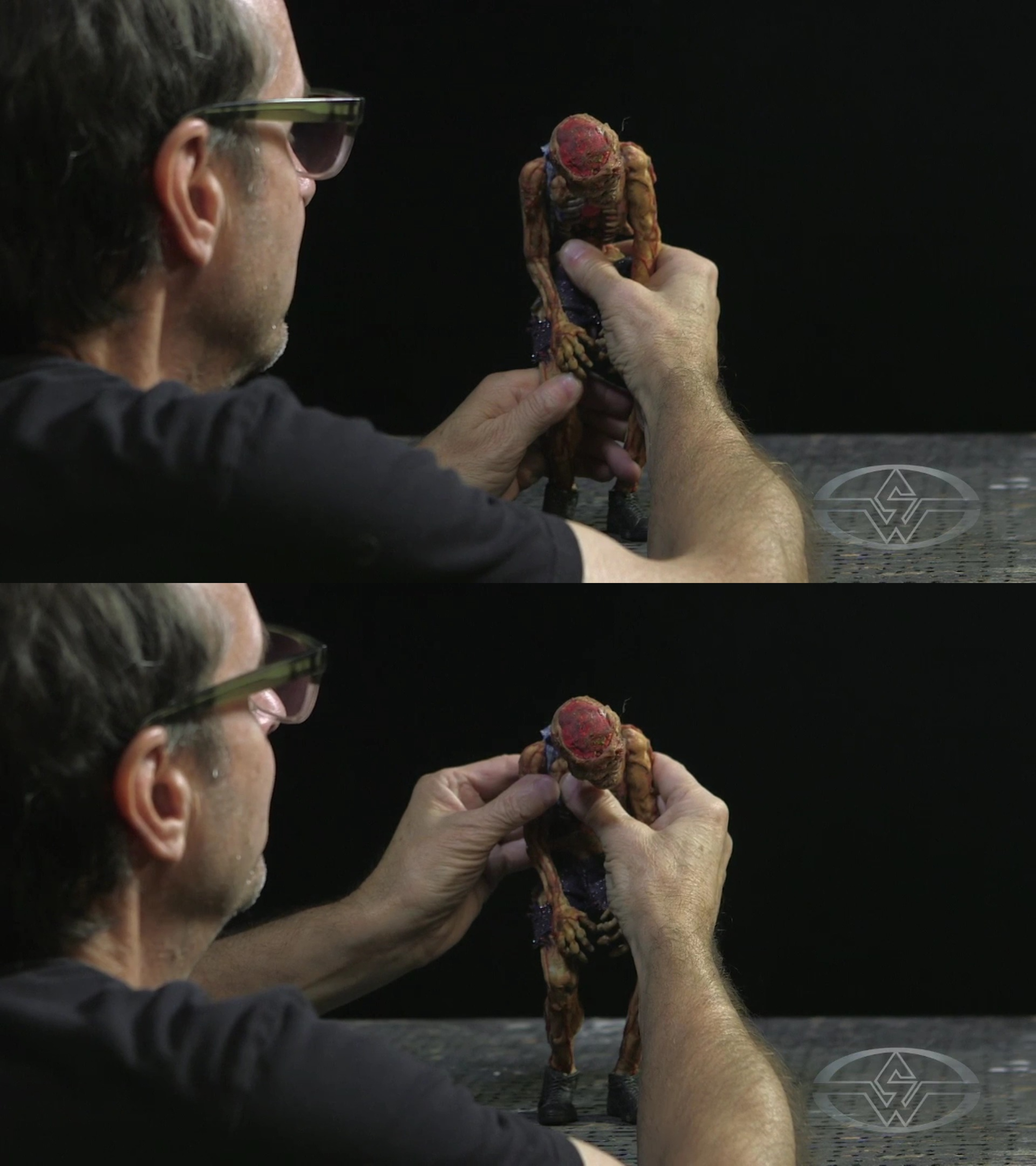 (Stephen Chiodo continues making tiny, subtle movements to his puppet.)
Stephen explains the reasoning for this process, “Remember I talked about multiple axes? If I just have the ribcage move up on one axis, it’s going to have a mechanical look. So, what I try to do is I’ll lift it up, and I’ll rotate it a little bit so it’s a more complex movement." That rotation makes the puppet seem a little bit more alive.
Next, touch your puppet’s head so that it’ll slowly come up. Slightly bring the arms down so that they’ll collapse inward for now, and open up the hand to get some movement.
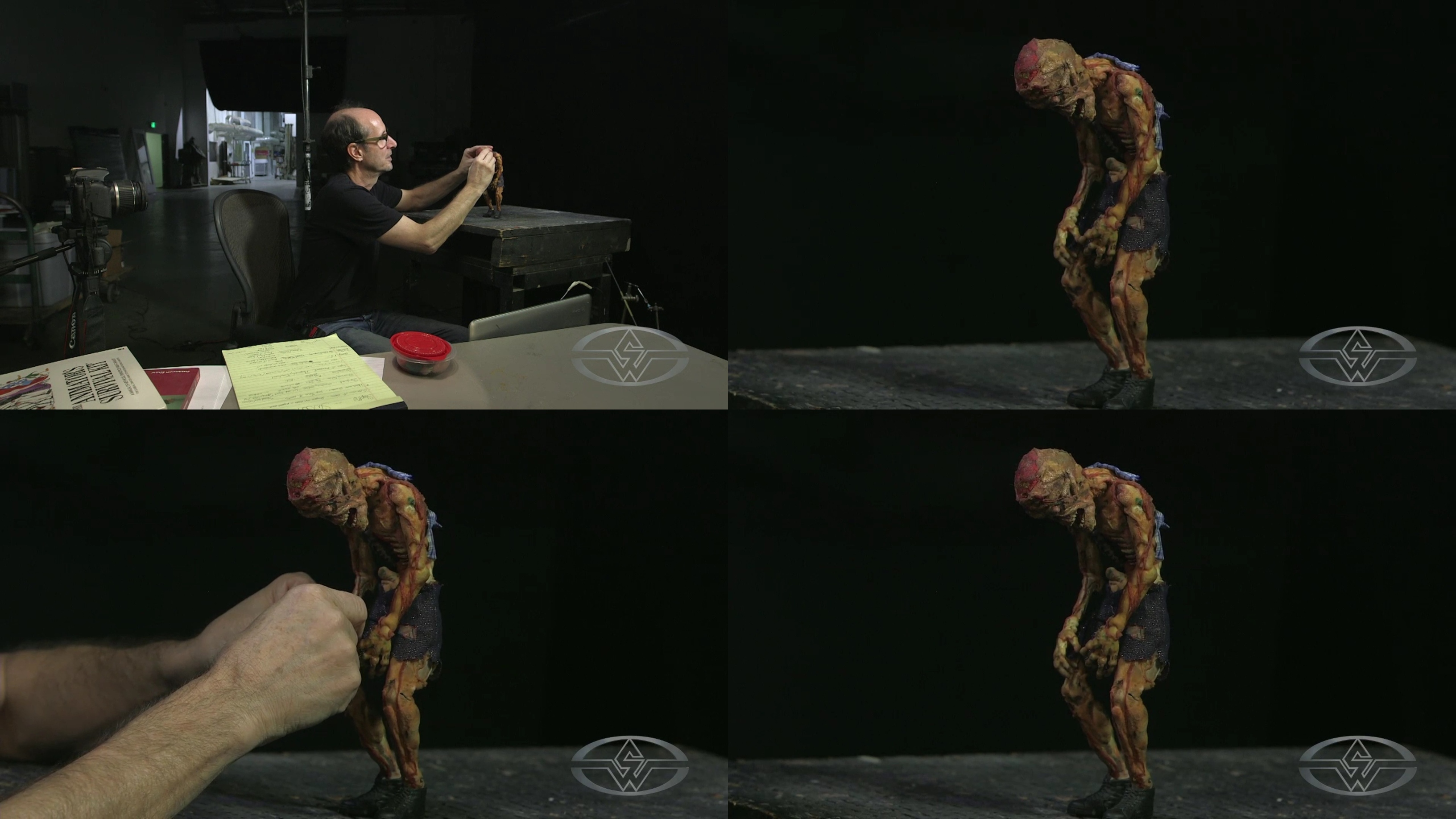 (Stephen Chiodo slightly adjusts his puppet's head, arms, and hands.)
Creating a Fluid Animation in Stop Motion
Prepare to take another frame of your puppet. When reviewing in Dragonframe, you’ll see the two frames of the “ease in” and the micro-increments used to make a subtle animation.
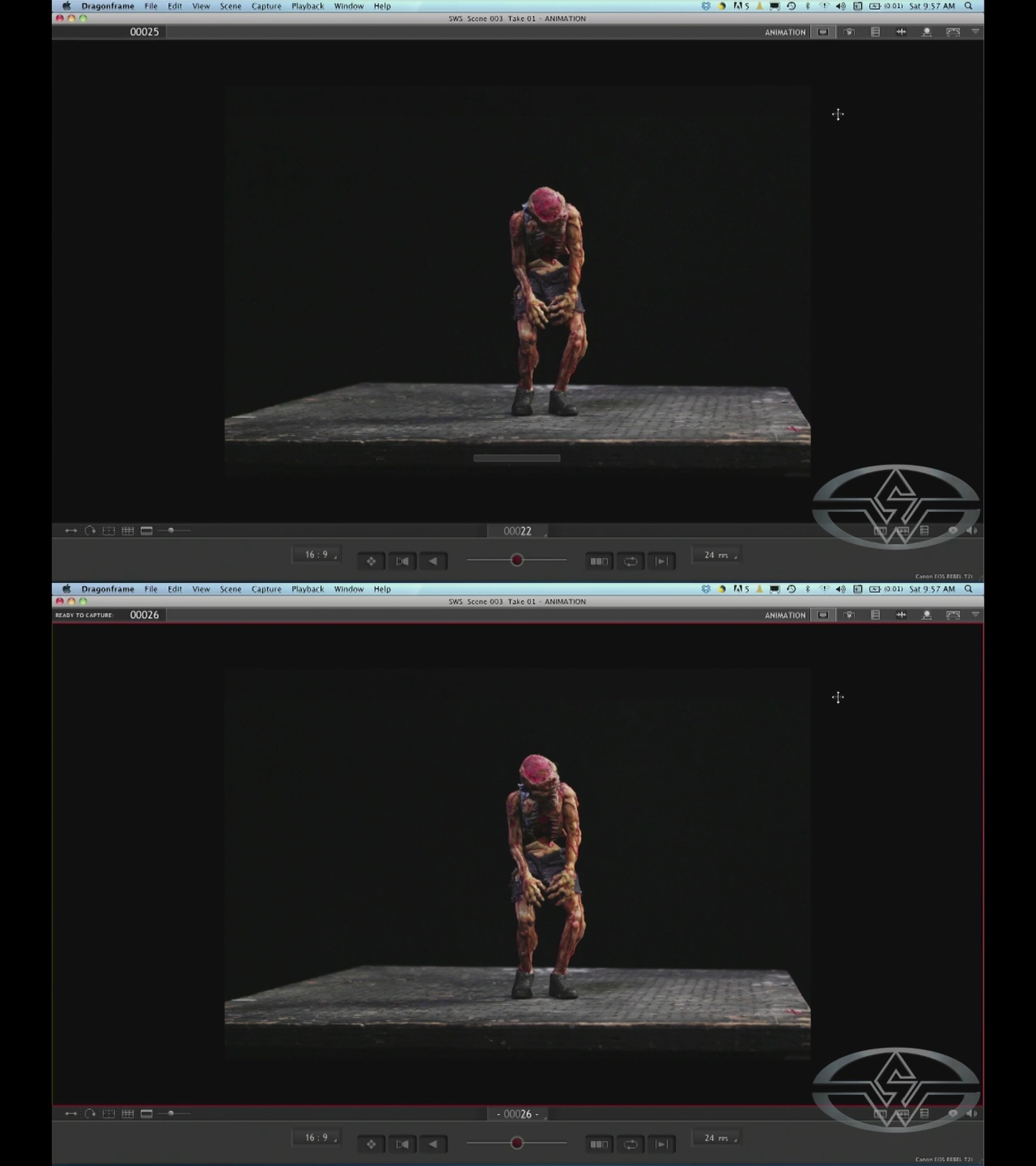 (Two shots that show the micro-increments for the stop-motion animation.)
Pro tip: Because it can take hours to create just one or two seconds of work, write down your increments. Stephen says this helps as a reminder of how many frames you’ve got locked into time with each action before moving forward with the next movement.
Since you’re getting your puppet to start to move, you’ll want to pull his arms down. Since his body’s going up and slightly rotating, his arms will go inward, and his head will also slightly turn as well.
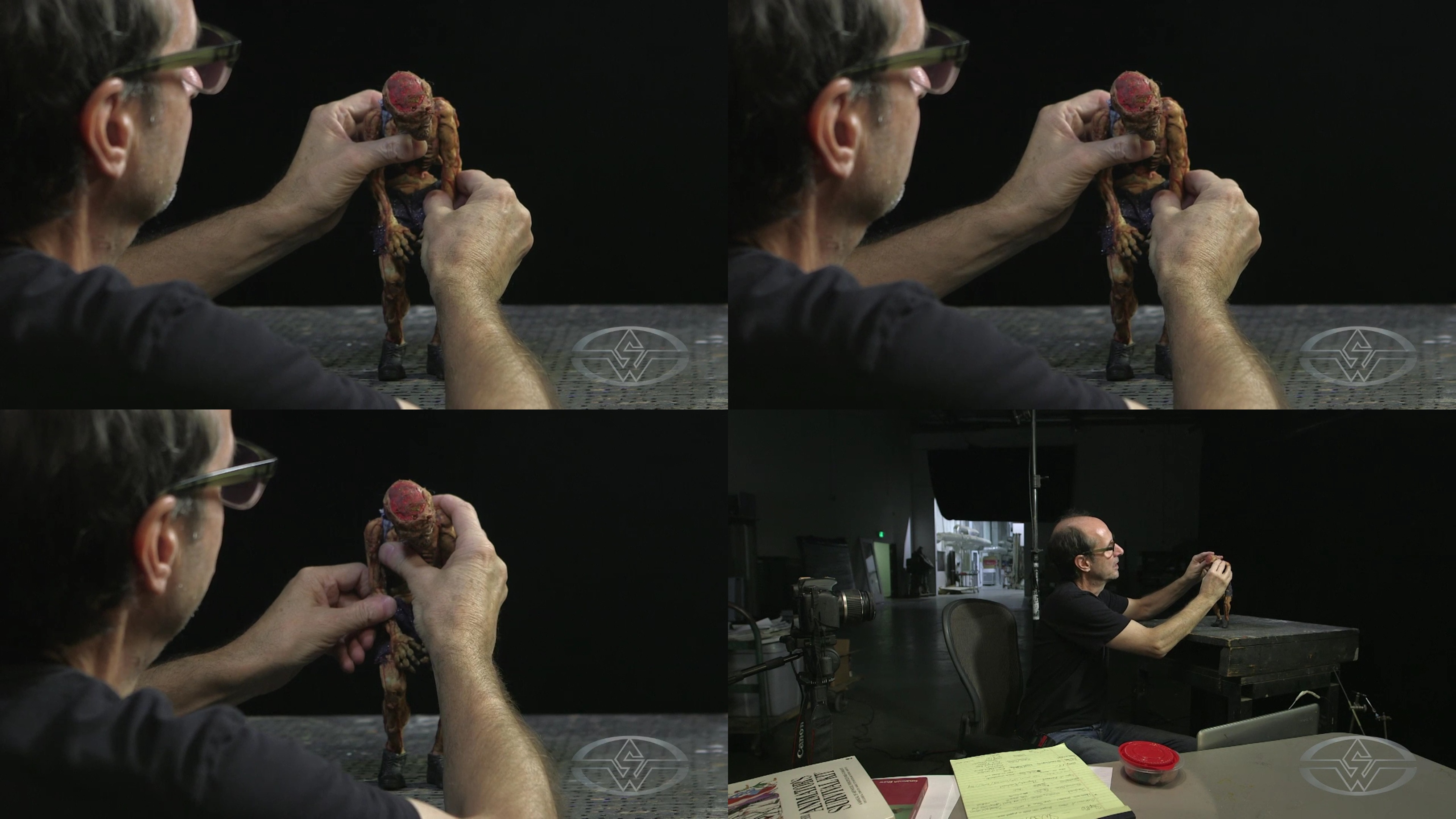 (Stephen Chiodo makes a few additional rotations to his puppet's arms and head.)
Once you've finished making your slight movements, take another shot of your puppet.
 (Stephen Chiodo captures his increments to show the slow, subtle movements in his puppet animation.)
Now, you're ready to speed up the action!
WATCH THE “STOP MOTION ANIMATION” COURSE SERIES WITH THE CHIODO BROS:
Stop Motion Animation Part 1: Puppet Creation
Stop Motion Animation Part 2: Set Design & Construction