

Adding Character and Age to Your Actor’s Appearance

In this FREE excerpt from his Stan Winston School of Character Arts course, Age Makeup - Light To Moderate Aging, Academy Award-winning special makeup effects master Barney Burman (Star Trek, Zombieland, Dawn of the Dead) shares old age makeup techniques to transform your actor's appearance.
Jump To Section
Accentuating Existing Fine Wrinkles on Your Actor
Prepping Your Makeup for the Cameras
Deepening Facial Shadows with Makeup
To watch the complete video, click the player above!
In this lesson, you’ll learn how to accentuate natural wrinkles in your actor’s face so you can produce a light-to-moderately aged appearance depending on the role. As with any special FX makeup but especially age makeup, the magic is in the details!
To get started, you'll need the following materials:
-
Skin Illustrator Complexion Palette
-
Skin Illustrator Flesh Tone
-
Assorted makeup brushes
Ready to learn how to wrinkle-up your actor?
Accentuating Existing Fine Wrinkles on Your Actor
Fine lines and wrinkles are natural signs of aging (and marks of wisdom!). Working with existing lines, as opposed to solely drawing them on, can help you effortlessly create the illusion that your actor is older than their actual age.
Barney suggests finding some of these superficial creases on your actor’s face and making them slightly more prominent.
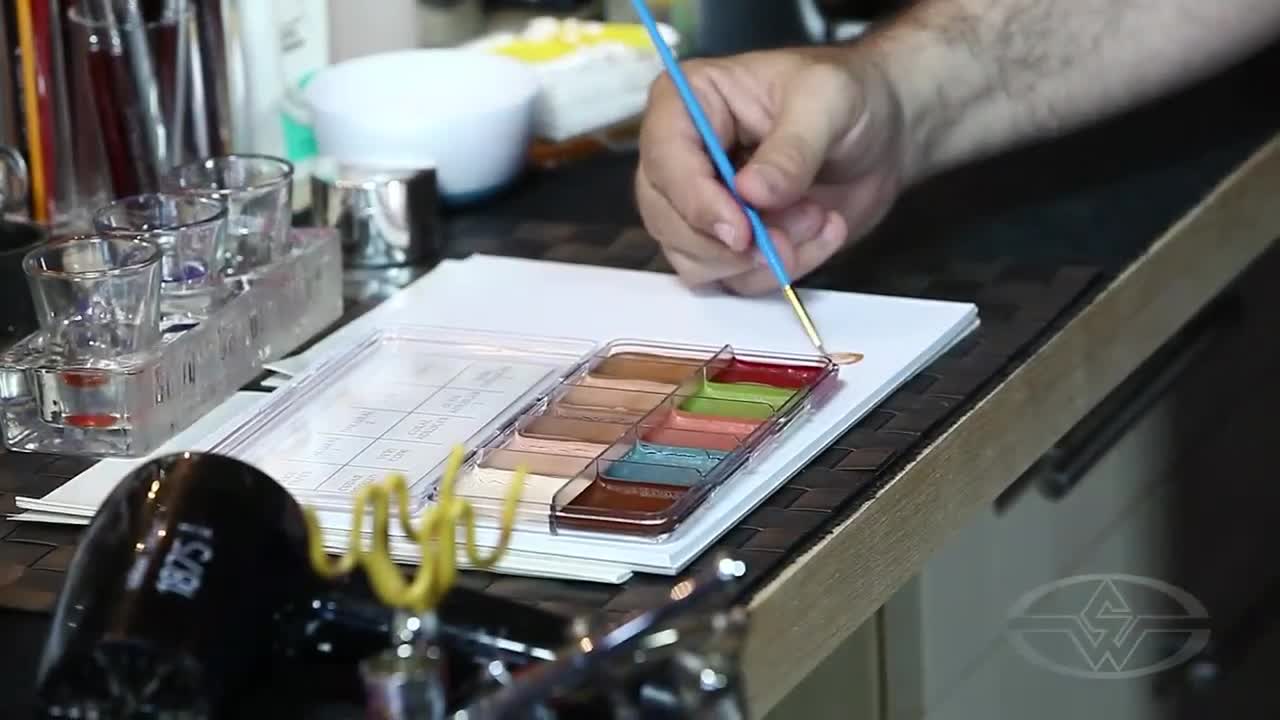 (Barney Burman prepares to age his actor by dipping a detail brush in a shade from his Skin Illustrator palette.)
Using a flesh tone color, enhance the depth of fine lines on your actor’s face with an even finer brush. Do your best to avoid making a distinct line so the makeup looks more natural overall.
“A solid line will look like a solid line, like something drawn on their face,” Barney says. “It's a matter of just finding those little places and maybe even kind of faking some at first.”
A good place to start? The eyes! The skin around the eyes is the thinnest and most delicate, making it the most prone to aging.
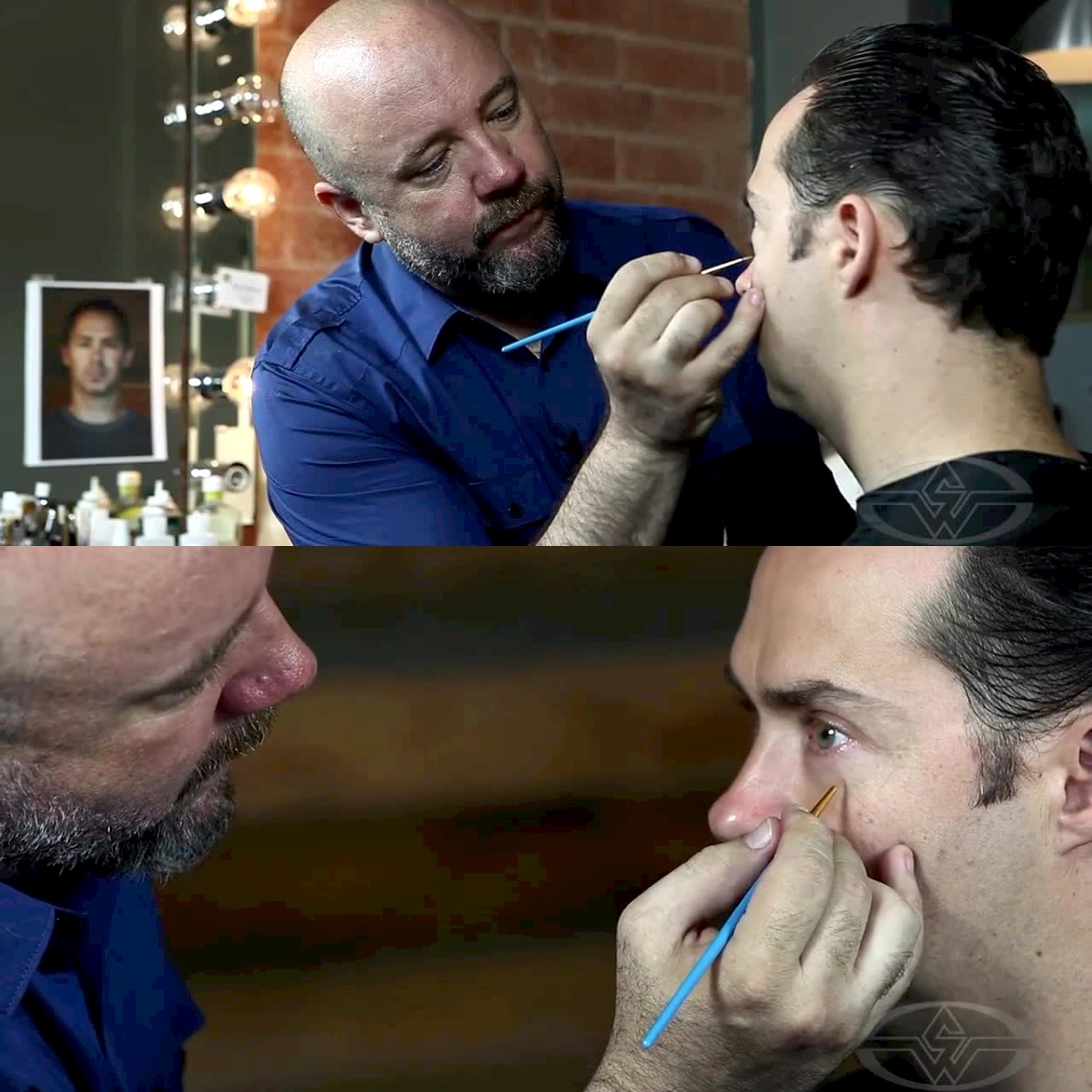 (Signs of aging are often found around the eyes. Barney Burman works his magic by starting the aging process with more noticeable eye wrinkles.)
Follow the natural lines around the eyes, or "crow's feet," to give an old aged look that even the most luxurious eye cream can't reverse! If a line shows up too solid for your liking, use your finger to lightly blend and soften the intensity.
 (Lightly trace any existing creases with makeup to easily add years to your actor's appearance.)
Pro-tip: Aim to make subtle lines since makeup can show up bolder than expected on high-definition video.
Continue to lightly add depth to any fine lines you see on the face, forehead and neck, dipping your brush back in the flesh tone color as needed until you’ve reached your desired look.
Prepping Your Makeup for the Cameras
 (Barney Burman accentuates additional wrinkles below his actor's eyes.)
As Barney continues to deepen the lines on his actor's face, the third-generation makeup FX artist shares some valuable advice: befriend the director of photography (DP) whenever possible.
“You want to be in a good relationship with him so he will say, ‘Come look through my lens. See that your makeup is looking the way you want it to look,’” he says. “You also want your DP to point it out. If he sees something that he thinks isn’t looking right, he should feel safe enough with you to come and say, ‘Hey, is this the way you want it or should it be fixed?’”
 (Barney Burman uses a Natural 2 Skin Illustrator color to landmark the parts of the actor that are going to show some age, like the forehead.)
Having a great working relationship with your DP can make all the difference in how your work appears on camera.
Burman recalls his first-hand experience with an age makeup looking different in-person versus on-camera: “I had once done an age makeup, and it was for an actor to see if the director wanted this specific actor. They didn't think he was old enough, so they wanted to see if he could play older. I did this makeup on him … Everybody's happy — I'm happy, directors are happy, actor’s happy. We put him down in front of an HD camera and looked at the monitor, and it was like a monster. It was horrible.”
 (Forehead wrinkles? Check! Smile lines? Check! Barney Burman accentuates wrinkles in his actor's face and neck, making him look old enough to get retirement checks.)
This was Barney's first time experiencing something like this, he wasn’t sure how to approach the issue. After voicing his concern with the DP, the DP reassured him not to worry and that he’d adjust the lighting.
“By the time he was done, it looked great again,” Barney says. “It really showed me what an HD camera can do bad and what a good DP can do that's good to make it work again.”
Deepening Facial Shadows with Makeup
Shadows can add dimension and ultimately give your actor a whole new look. Use the same flesh color with a wide brush and apply it to wider shadow areas, such as the face, chin and neck to give your actor an aged appearance.
 (Say hello to sagging jowls! Bring out the deeper parts of your actor's face and neck with shadows.)
Next, find the deep parts of your actor's anatomy to make intense shadows near the temples and under the cheekbone to bring more attention to the eyes and brows.
 (Using a wide brush, Barney Burman applies makeup to his actor's temples and cheekbones for a pronounced brow ridge.)
Once you’ve made your finishing touches on your shadows and lines, you’ll move onto the next step of adding years in minutes — highlights! Getting older has never been so easy!
WATCH THE “AGE MAKEUP” COURSE: