
ZBrush Character Design - Dynamic Thumbnail Techniques
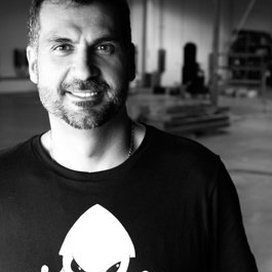
Cesar Dacol
Follow master character designer, Cesar Dacol Jr., on an introductory journey through ZBrush, a powerful digital sculpting tool that combines 3D modeling, texturing & painting. For absolute beginners to ZBrush pros, this lesson offers a wealth of tips & techniques for diving into the realm of virtual sculpture.
Curriculum
1. Title & Introduction - 2min
2. Concept and Features - 9min
3. Setting Up Workflow - 8min
4. Starting Sculpture - 10min
5. Dynamic Thumbnail - 13min
6. Cleaning Up Geometry - 10min
7. Saving a Project - 7min
8. Dynamesh vs. Old School - 3min
9. Starting to Sculpt - 6min
10. Move Tools - 2min
11. Sculpting - 17min
12. Polygroups & Polish - 11min
13. The Dam Brush — Your Digital Rake Tool - 6min
14. Compression - 5min
15. Greater Refinement — Secondary Forms - 9min
16. Adding More Details — the Clay Buildup Brush - 10min
17. Accentuating Bones, Compression Muscle Groups, Fat and Features of the Skin - 13min
18. Working on Hands: Nails, Bones & Muscle - 6min
19. Patience - 2min
20. Finishing - 2min
21. Wrap Up - 49s
Materials
Get FREE Popular Course Content!
Enter your email for FREE access to content from 16 of our most popular courses.